Technologies InstantHPI Inc.

Ten apps you can open right here

Write by hand, explore illustrated texts and build your own photo museum. Choose an app and start in your browser.

Browse all ten apps Contact us

The apps

Scripture writing, by hand and word by word, plus the Pegasus photo museum. Open help inside each card on the app hub for the real steps.

Gate of Noor

باب النور

Scripture writingQuran · Arabic

Write the Quran in light, ayah by ayah. Practise each ayah slowly with a tablet, your finger or a stylus, and keep what you finish in the Museum.

Try in browser See how it works

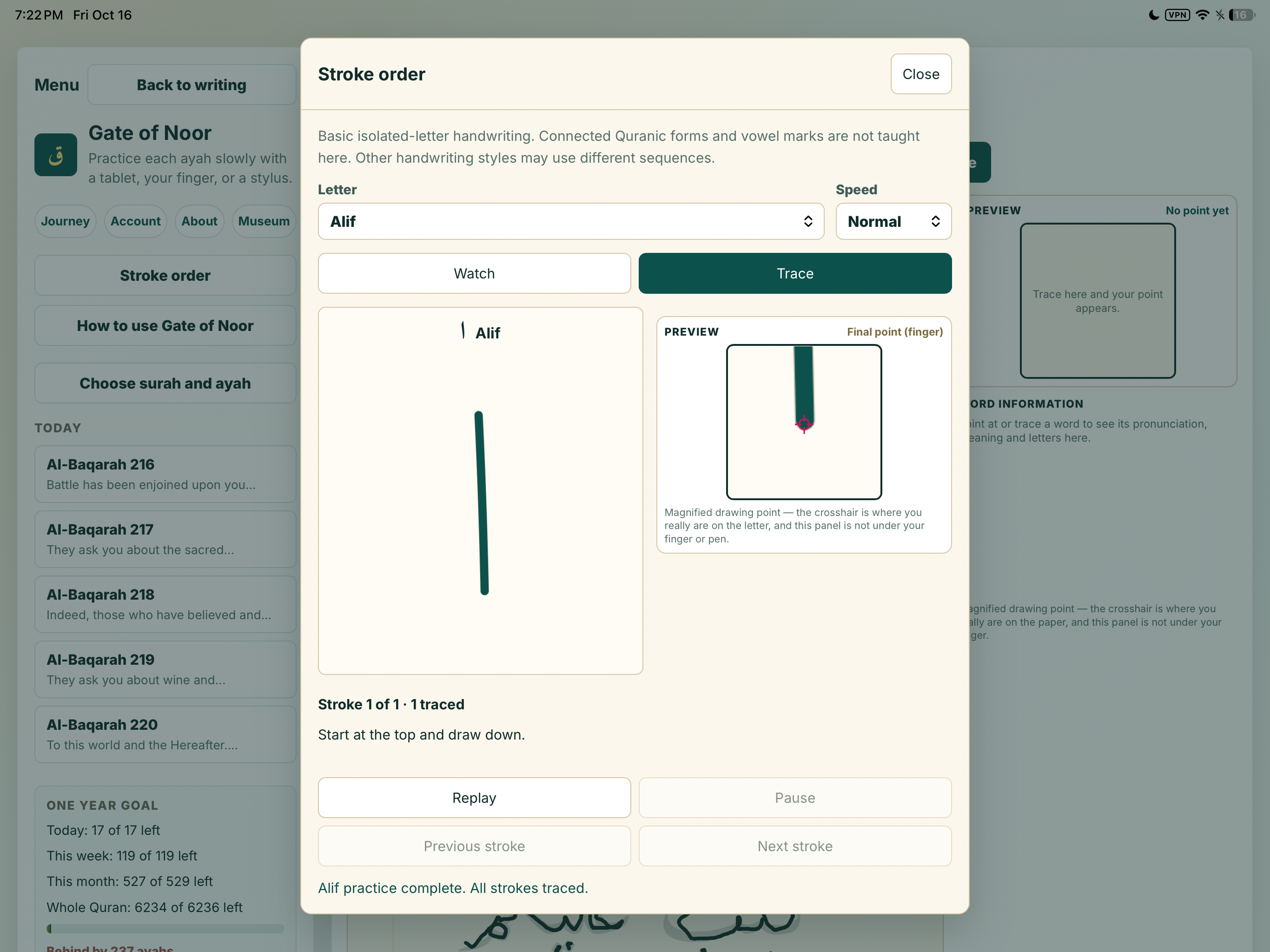
Stroke order lesson for an Arabic letter shown in a dialog over the writing screen. See how it works →

Sacred Gita

श्रीमद्भगवद्गीता

Scripture writingBhagavad Gita · Sanskrit

Write the Gita in light, verse by verse, and keep a day-by-day practice going.

Try in browser See how it works

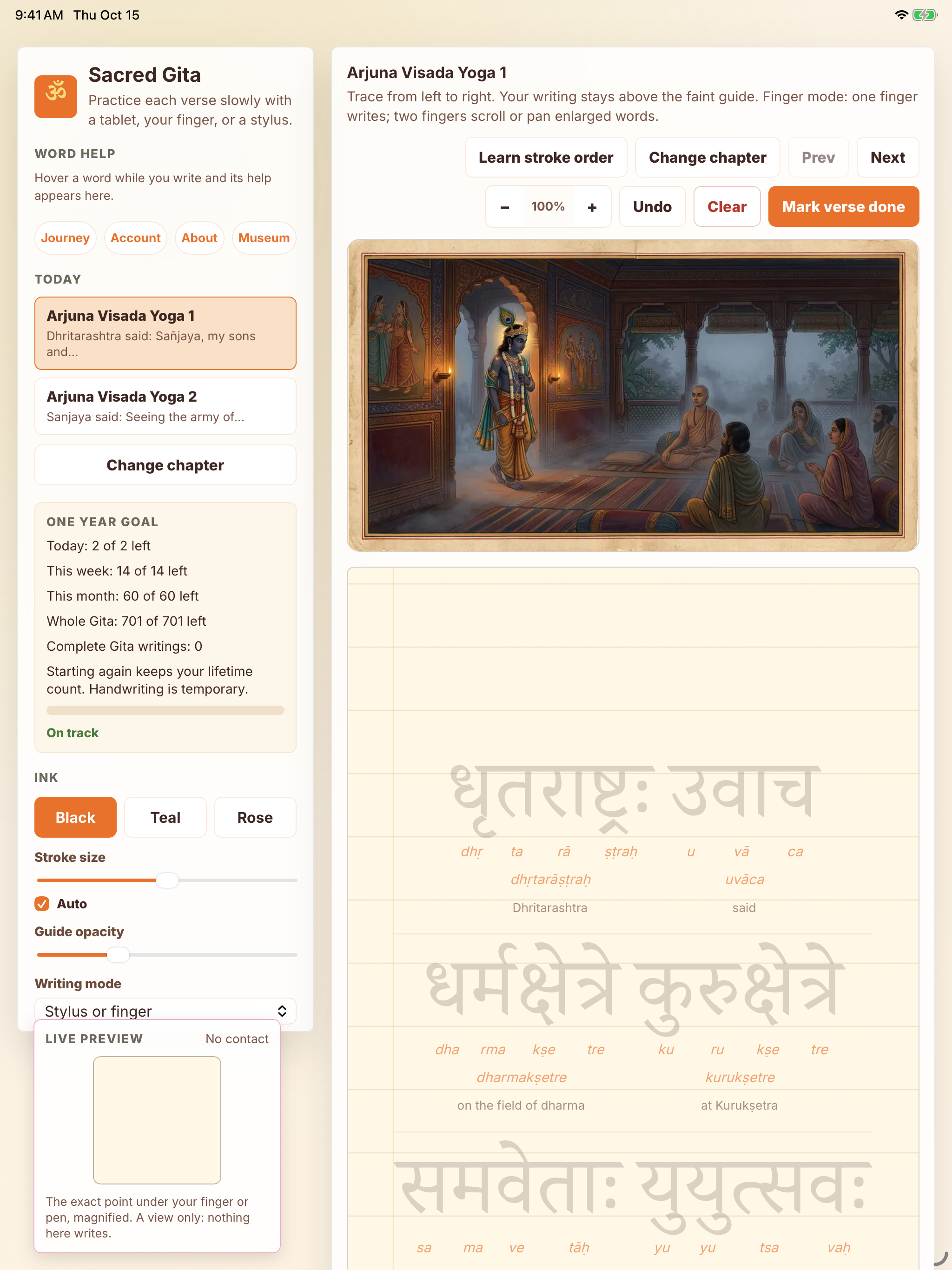
Sacred Gita writing screen with a Krishna painting above Sanskrit guide text. See how it works →

The Apocalypse

Ἀποκάλυψις Ἰωάννου

Scripture writingBook of Revelation · Greek

Write the Book of Revelation in Greek, word by word, and read each verse closely as you go.

Try in browser See how it works

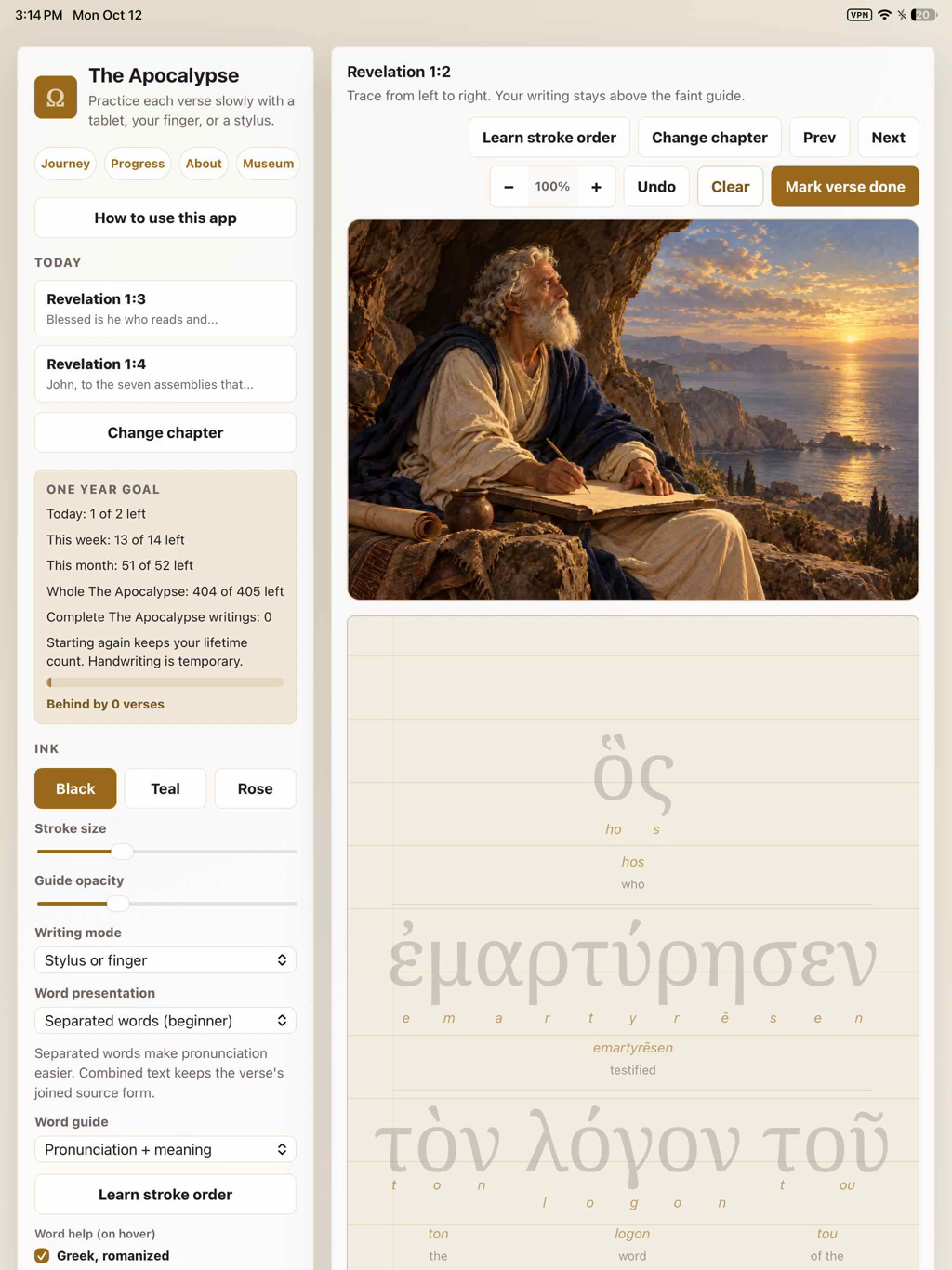
The Apocalypse writing screen showing Revelation 1:2 in faded Greek guide text above a painting. See how it works →

Heart Sutra

般若心經

Scripture writingHeart Sutra · Chinese

Write the fifty-two lines of the Heart Sutra by hand and learn its characters one by one.

Try in browser See how it works

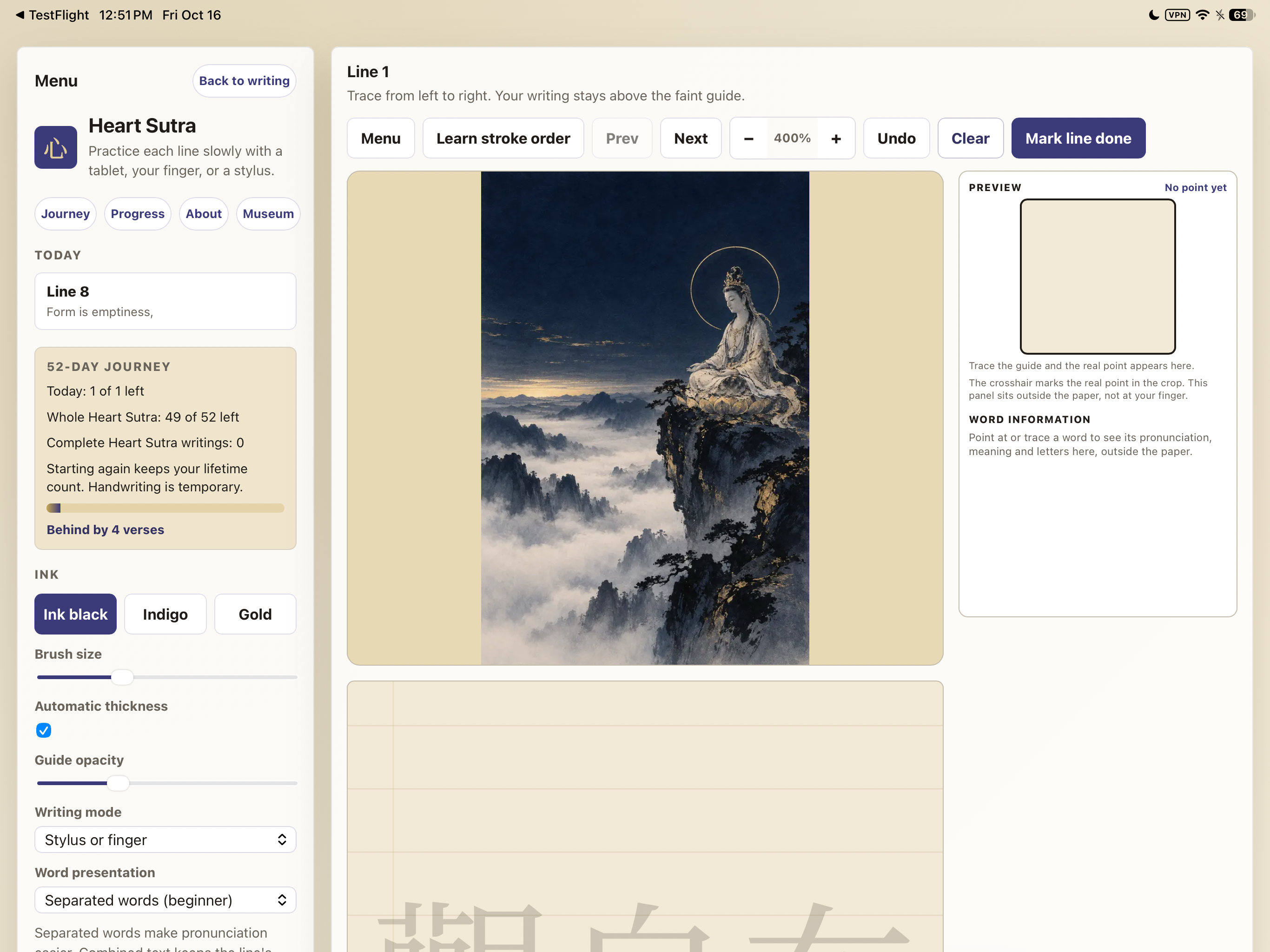
Heart Sutra writing screen with guide characters and handwriting already on the page. See how it works →

Hyakunin Isshu

百人一首

Scripture writingHyakunin Isshu · Japanese

Write the hundred poems by hand, one line at a time, and learn the characters as you go.

Try in browser See how it works

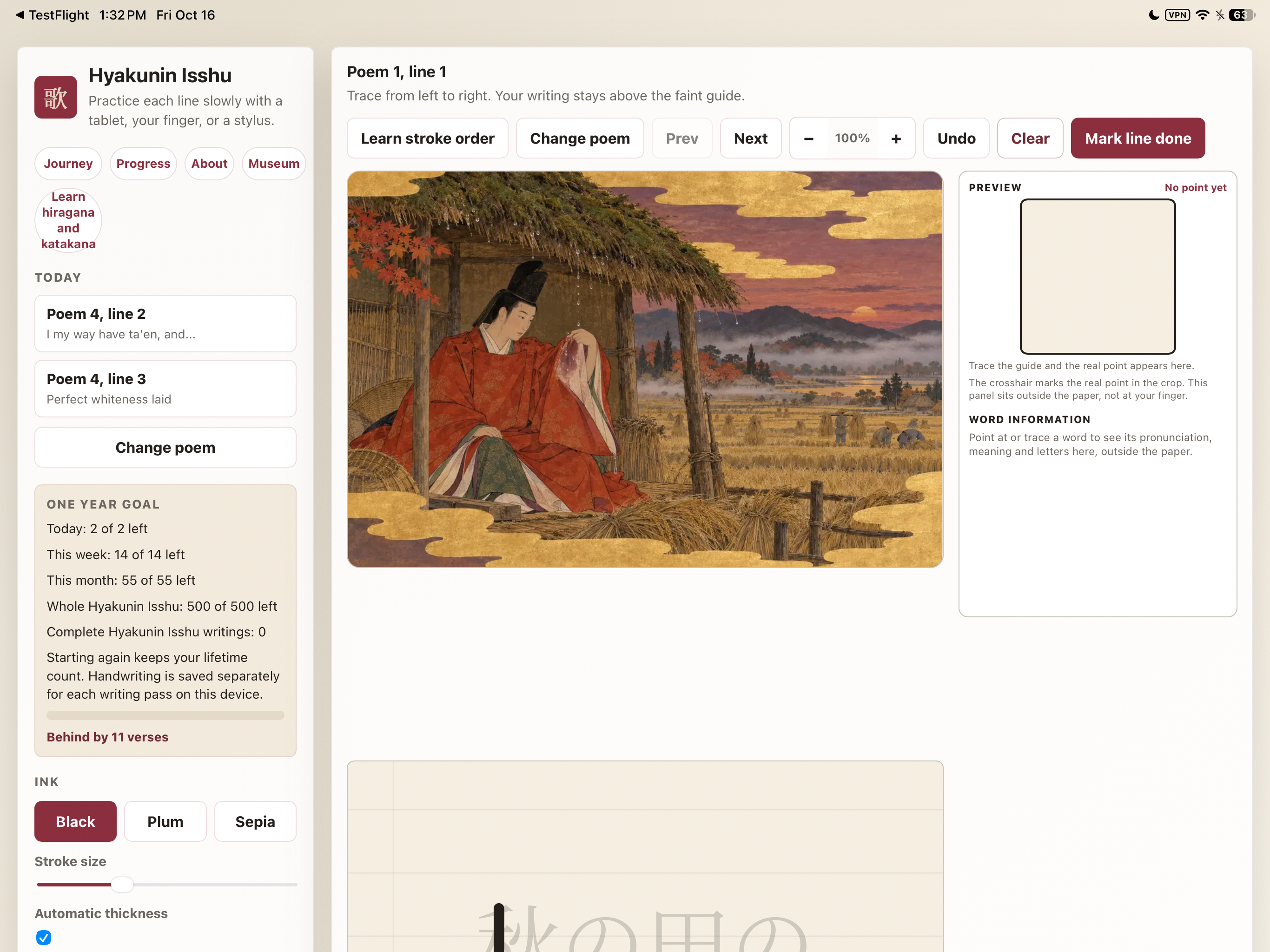
Hyakunin Isshu writing screen with guide characters and handwriting already on the page. See how it works →

Journey to the West

西遊記

Scripture writingJourney to the West · Chinese

Three hundred and sixty-five passages of the journey west, written by hand, one day at a time, from the stone monkey to the scriptures that come home.

Try in browser See how it works

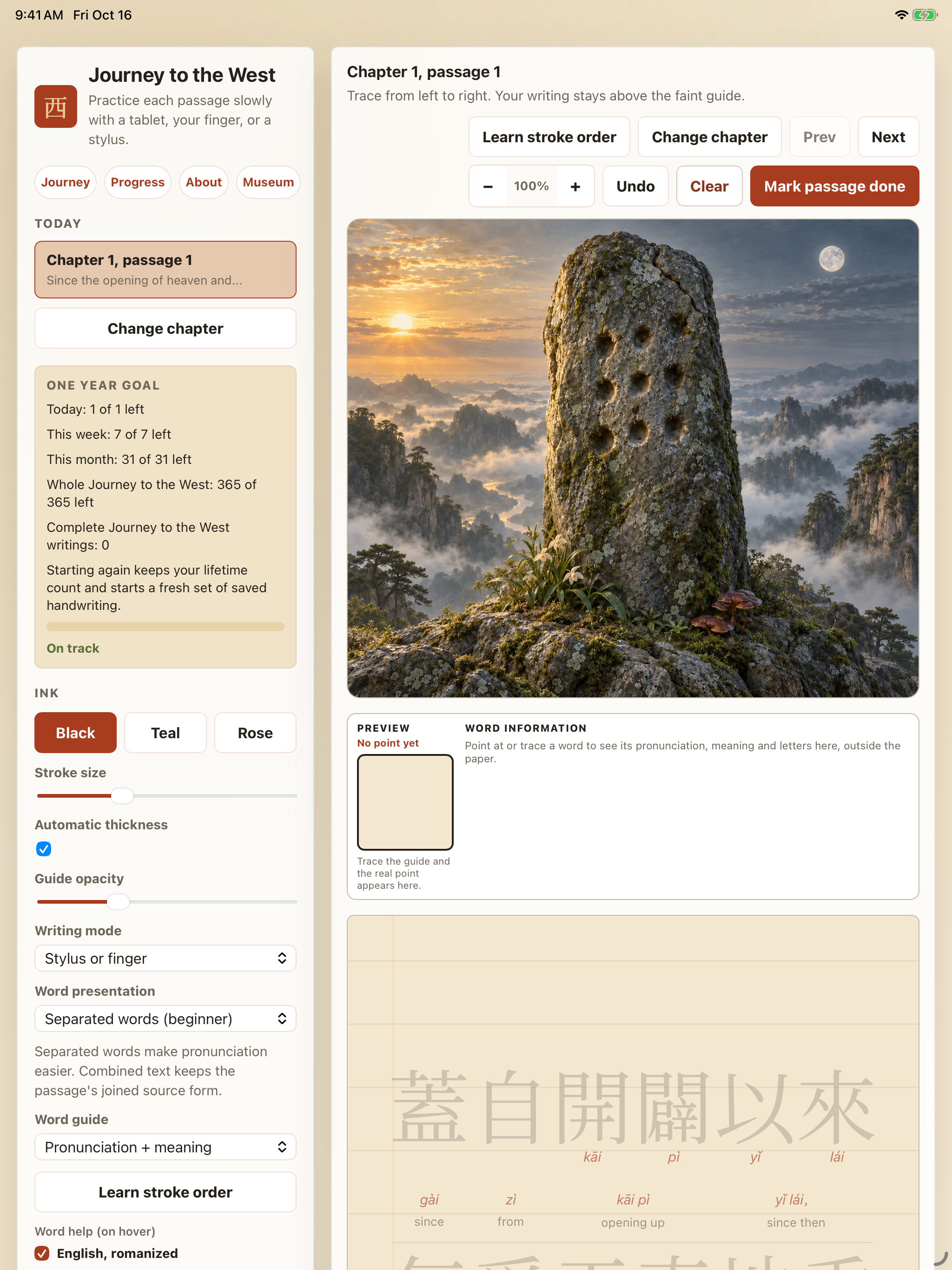
Journey to the West writing screen with an illustration of the stone monkey above Chinese guide characters. See how it works →

Psalms

תהילים

Scripture writingPsalms · Hebrew

Write the one hundred and fifty psalms in pointed Hebrew, word by word, and keep your own hand in practice.

Try in browser See how it works

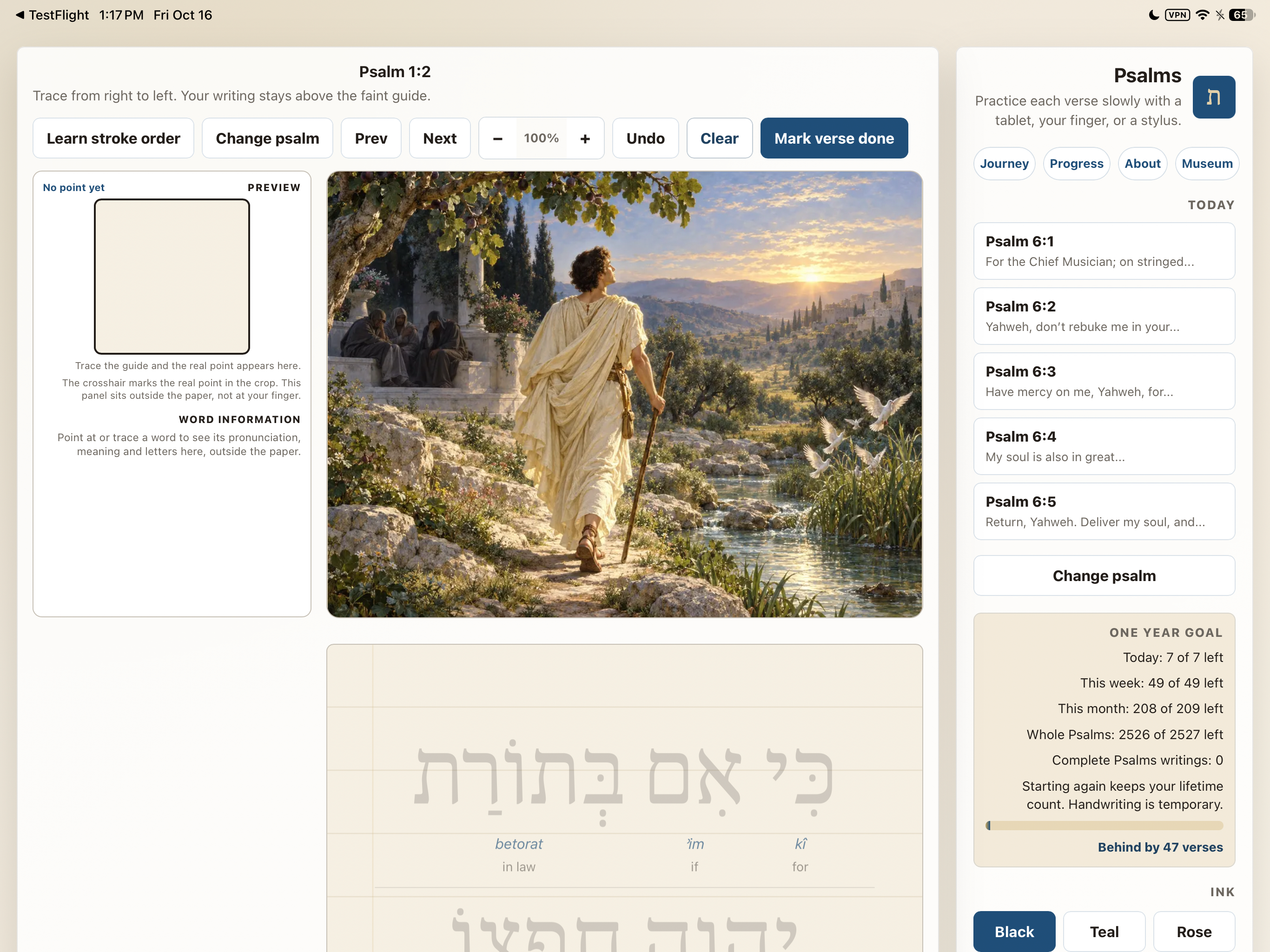
Psalms writing screen with pointed Hebrew guide words and handwriting already on the page. See how it works →

Tao Te Ching

道德經

Scripture writingTao Te Ching · Chinese

Write the eighty-one chapters by hand and learn the characters one by one.

Try in browser See how it works

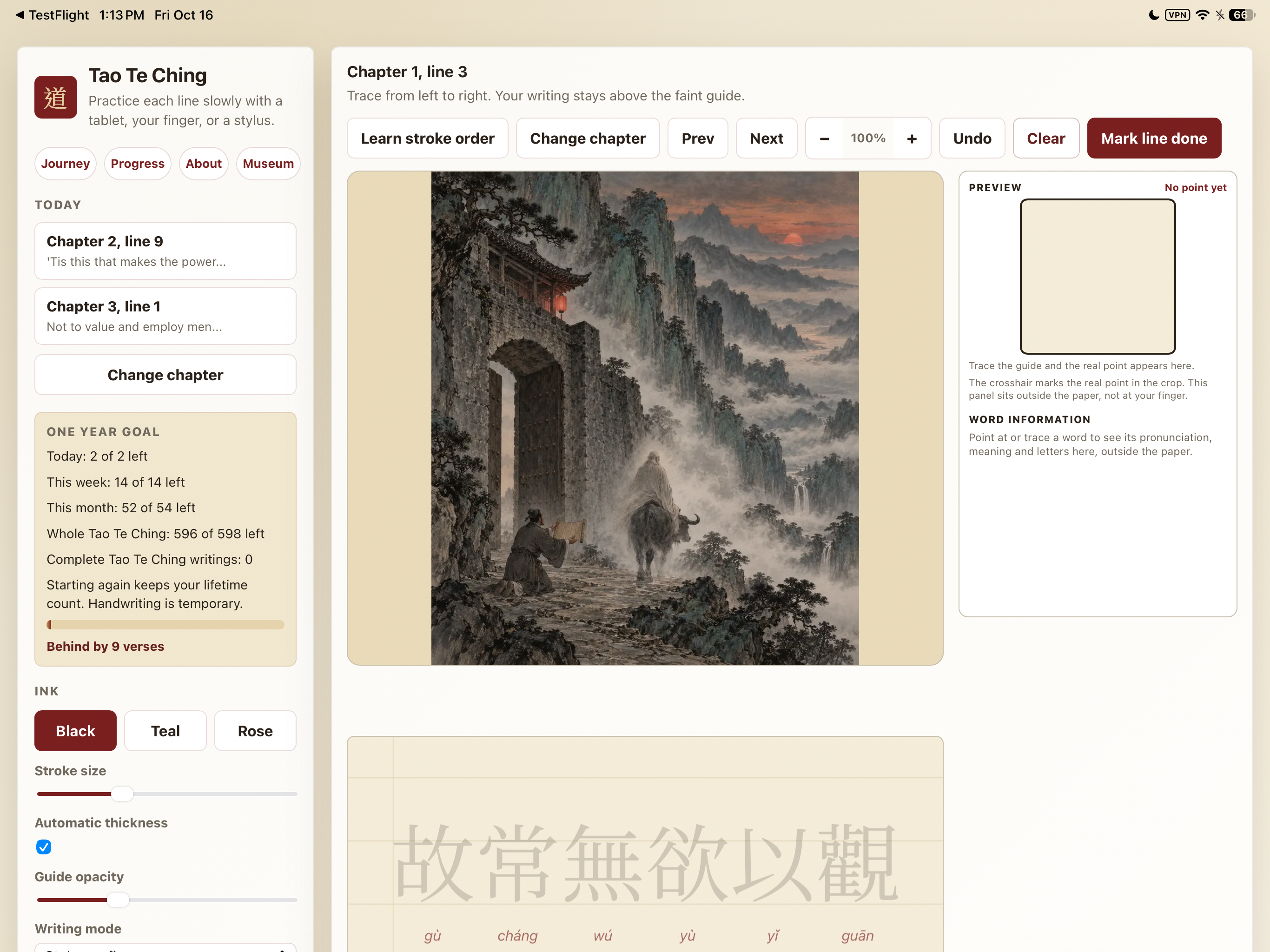
Tao Te Ching writing screen with guide characters and handwriting already on the page. See how it works →

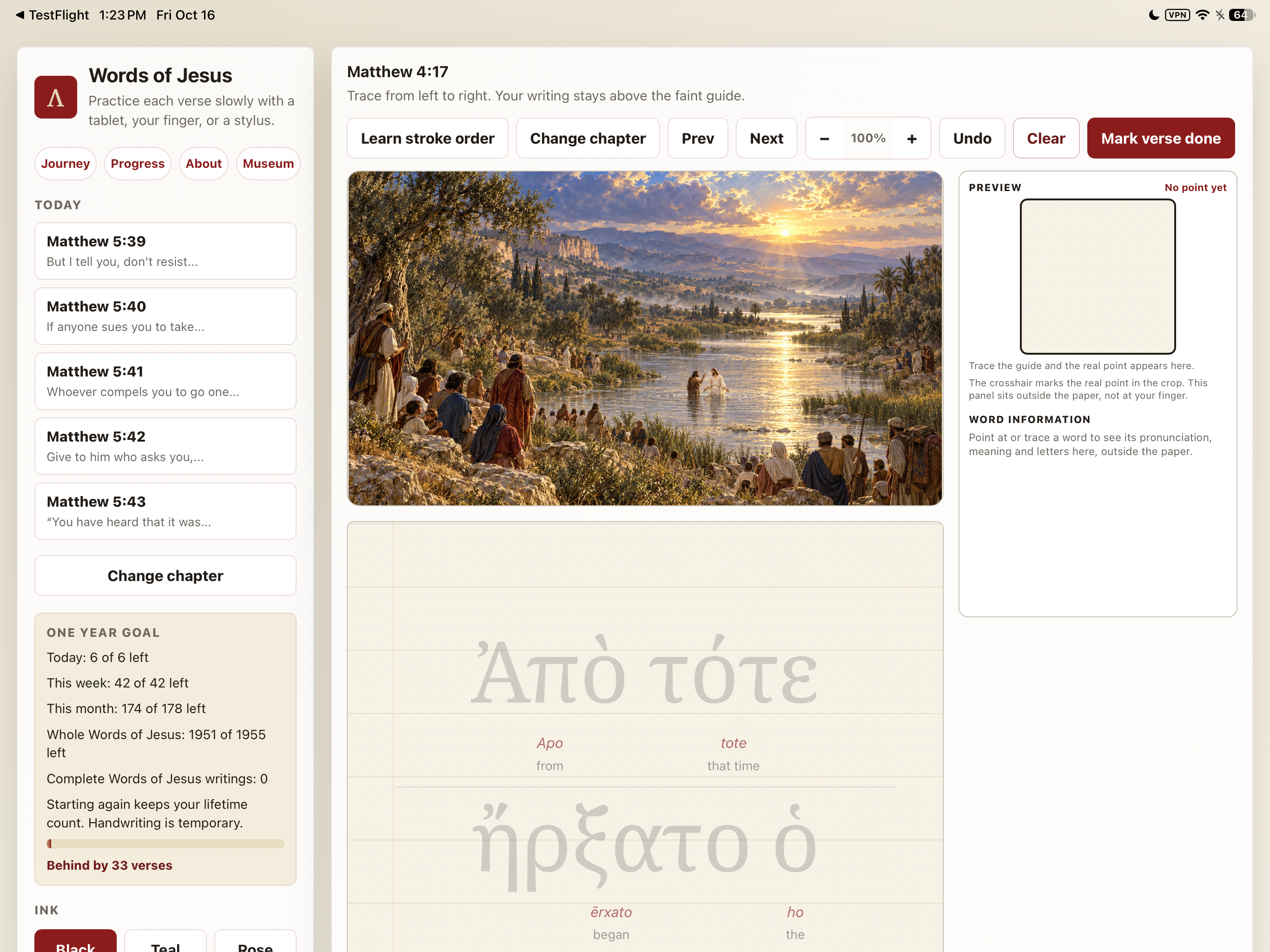
Words of Jesus

Λόγια Ἰησοῦ

Scripture writingThe red letters of the Gospels · Greek

The red letters of the Gospels, written by hand and read closely, one passage at a time.

Try in browser See how it works

Words of Jesus writing screen with guide text and handwriting already on the page. See how it works →

Pegasus

PEGASUS

PhotographyPhoto museum · Photography and style

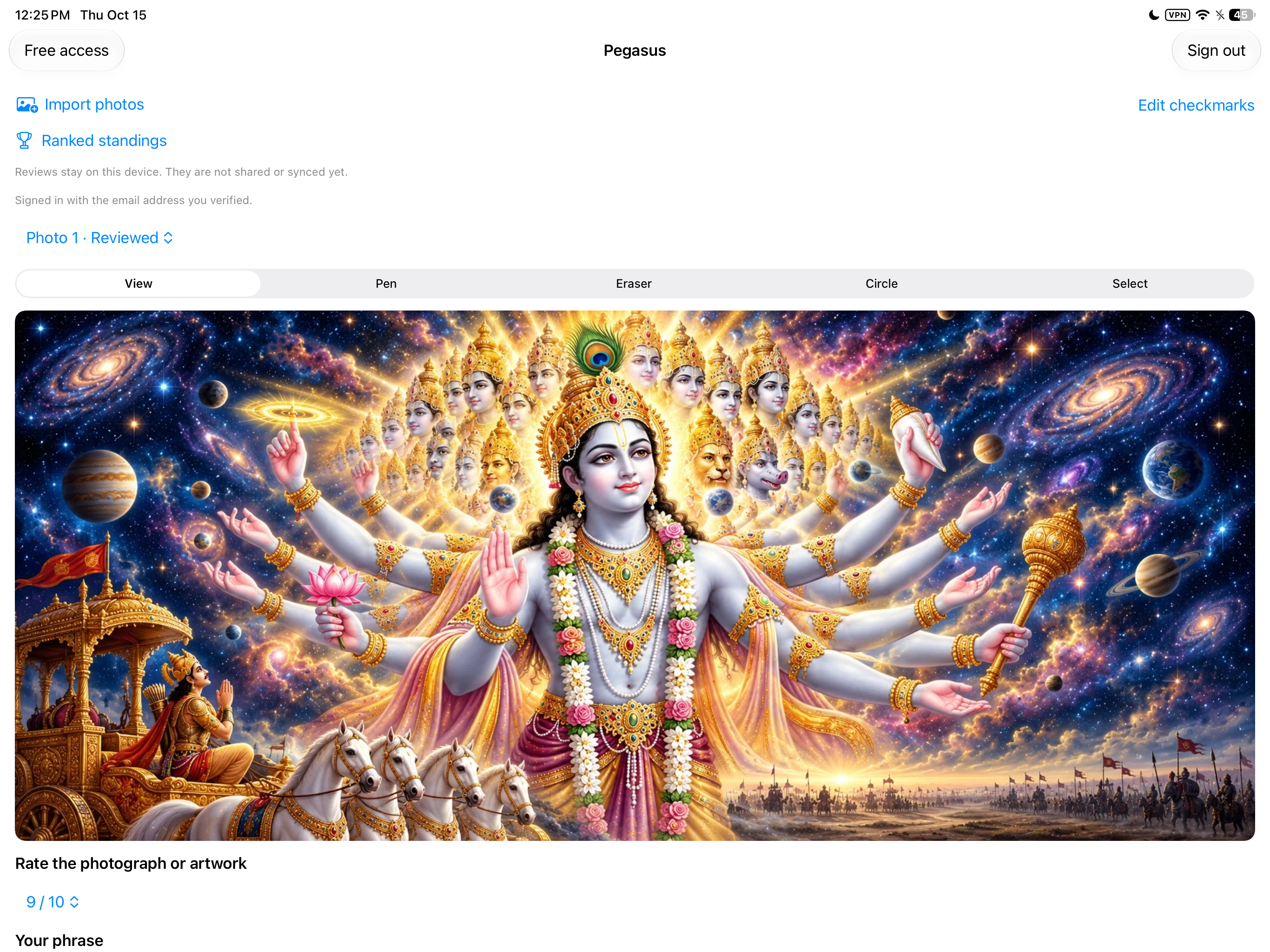
Your images, your museum. Collect photographs, mark what stands out and share your first impressions with the community gallery.

Try in browser See how it works

Pegasus private collection screen listing the paintings in the collection. See how it works →

Opening the apps, signing in and support

  • Straight from this page

    Choose an app and try it in your browser. Your work stays within that app.

  • Signing in

    Where an account is needed, sign in with an email code inside that app.

  • Support

    Support is optional. Check the options inside each app, including whether a payment repeats. Purchases and support apply to the selected app.

Questions about an app, or something that does not work: write to info@instanthpi.ai.

About this page

Technologies InstantHPI Inc. publishes the apps listed here. This page lists the ten apps that are live today and links to each one directly, so nothing has to be found in an app store first.

Questions about an app, or something that does not work: write to info@instanthpi.ai. Each app also carries its own help, privacy and terms pages, linked from its card on the app hub.