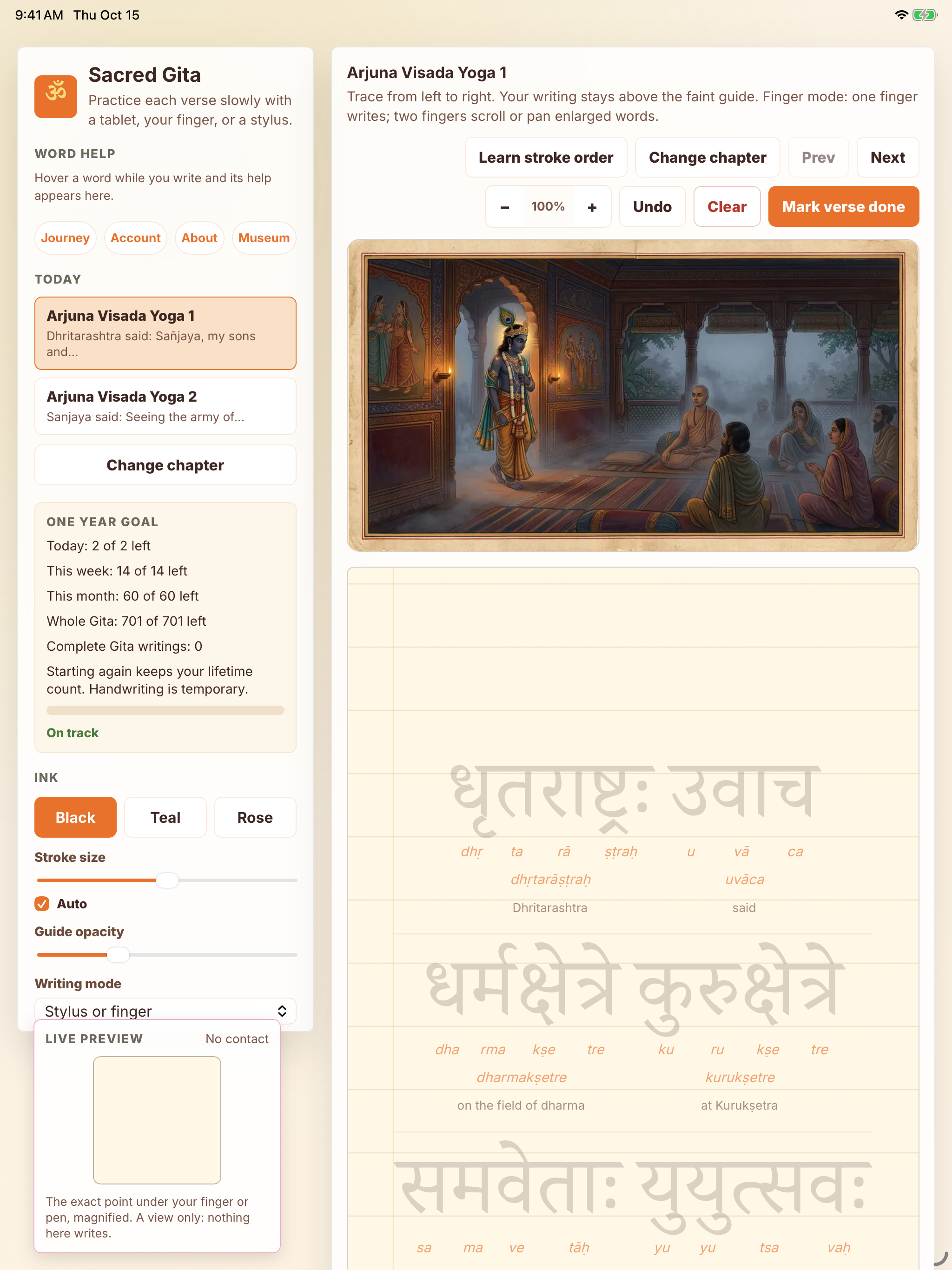
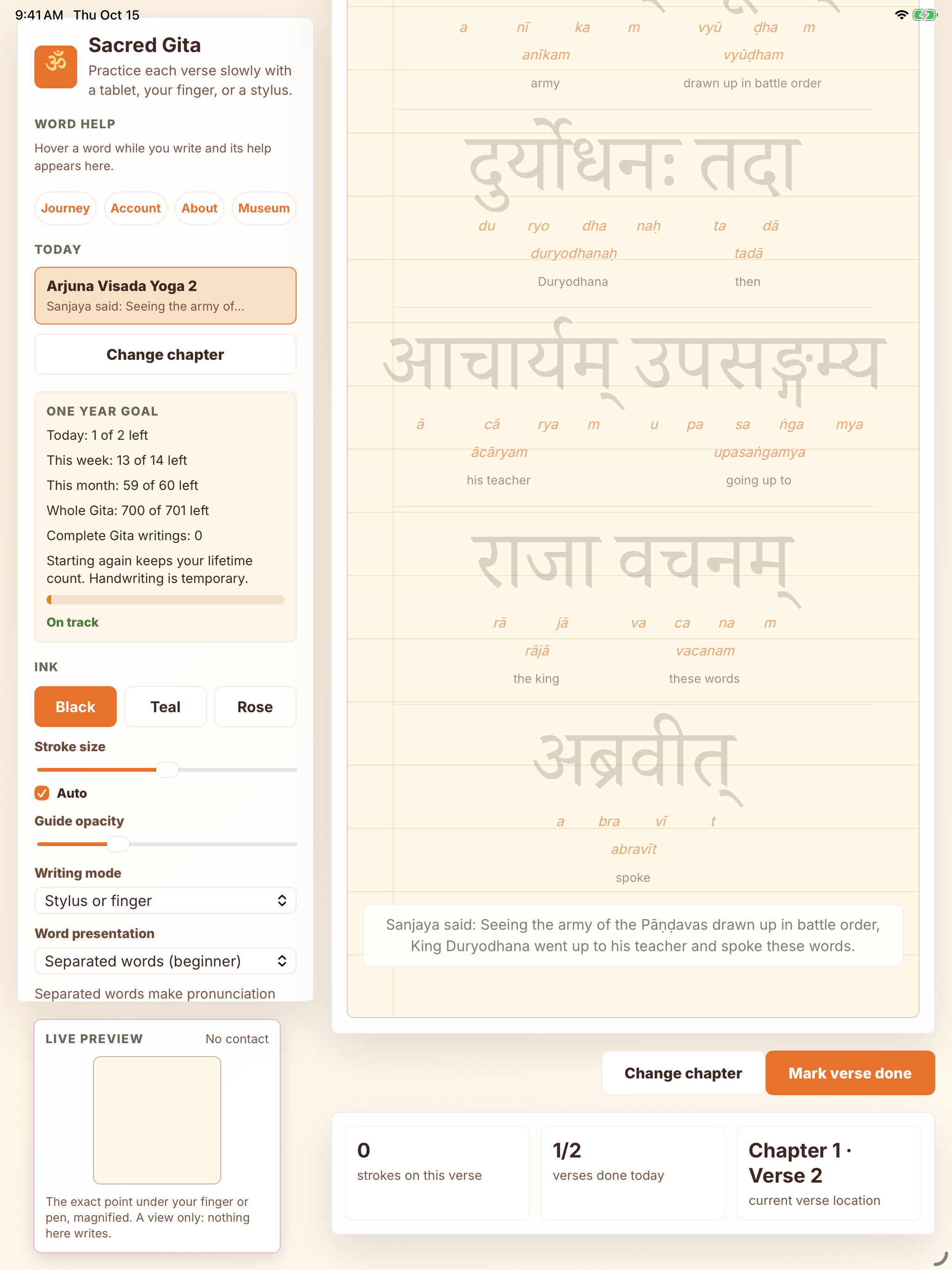
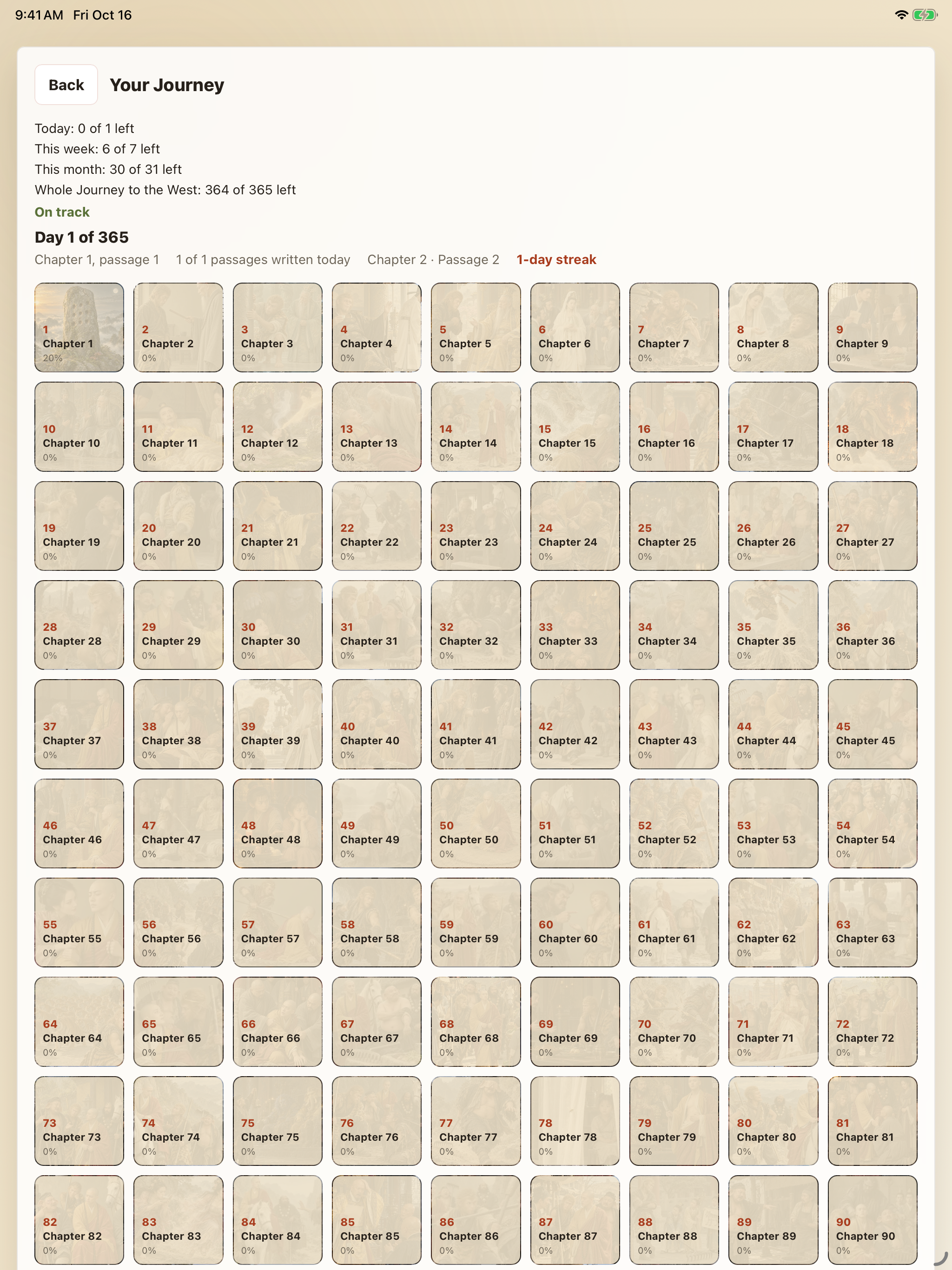
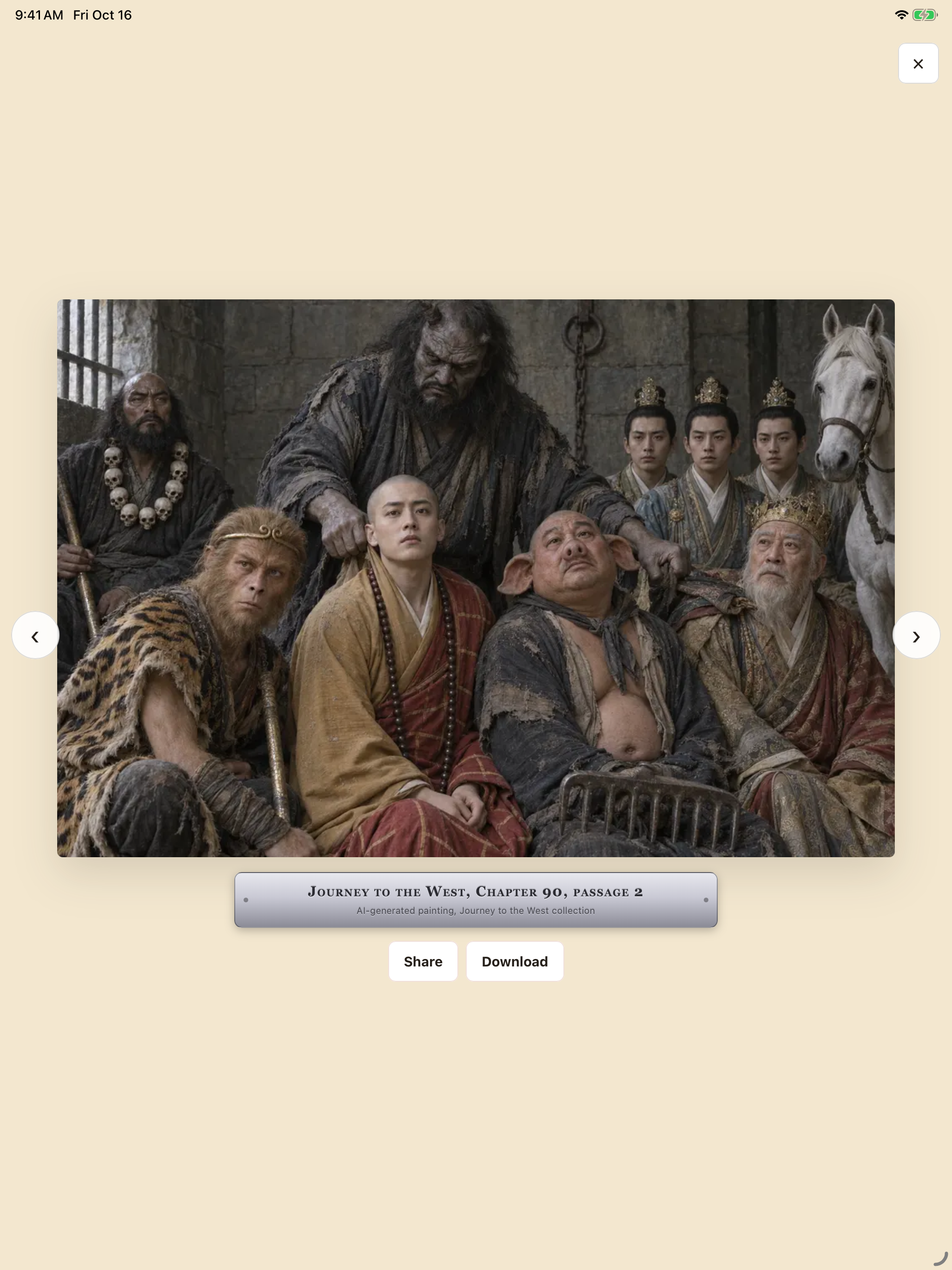
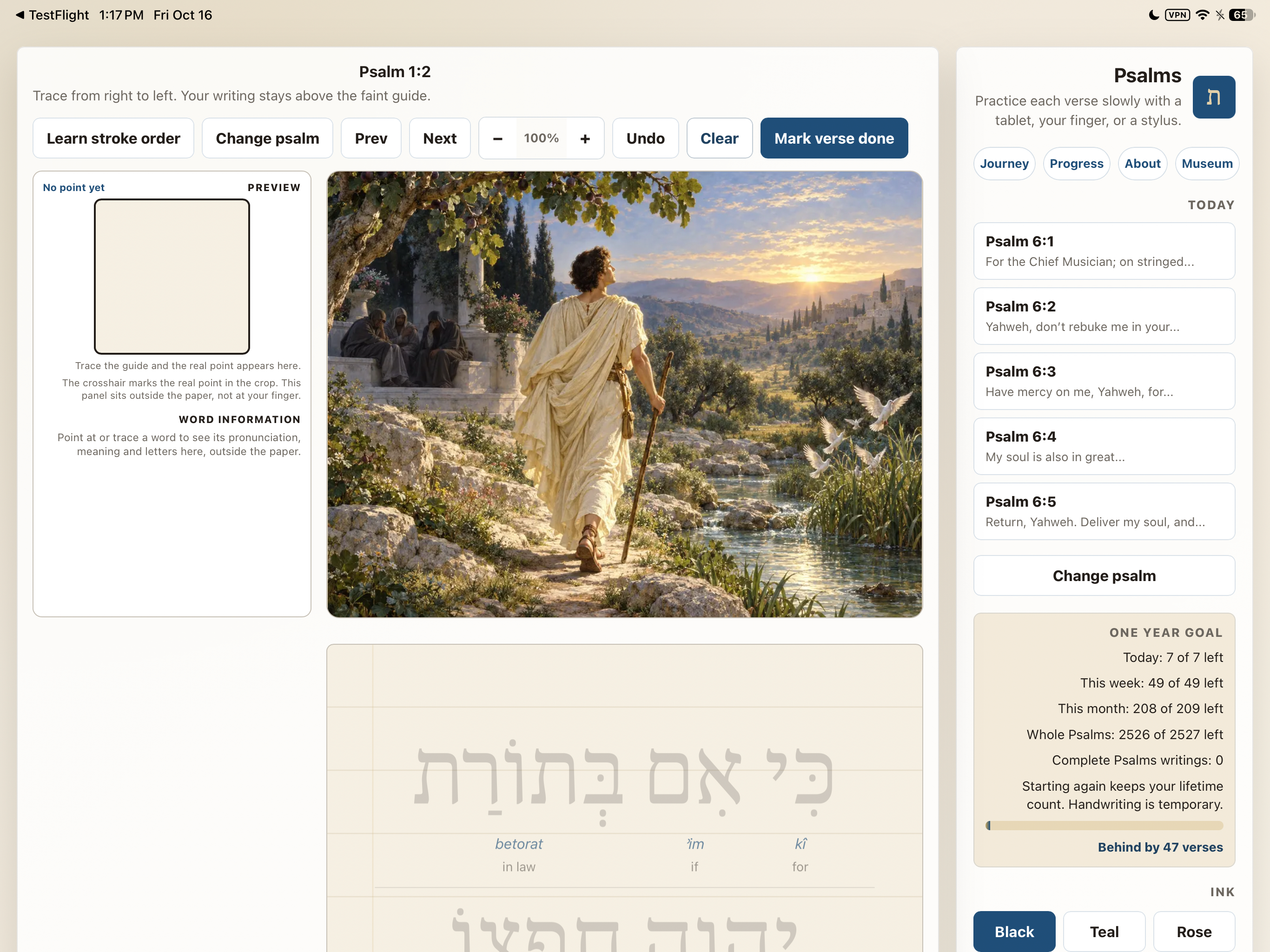
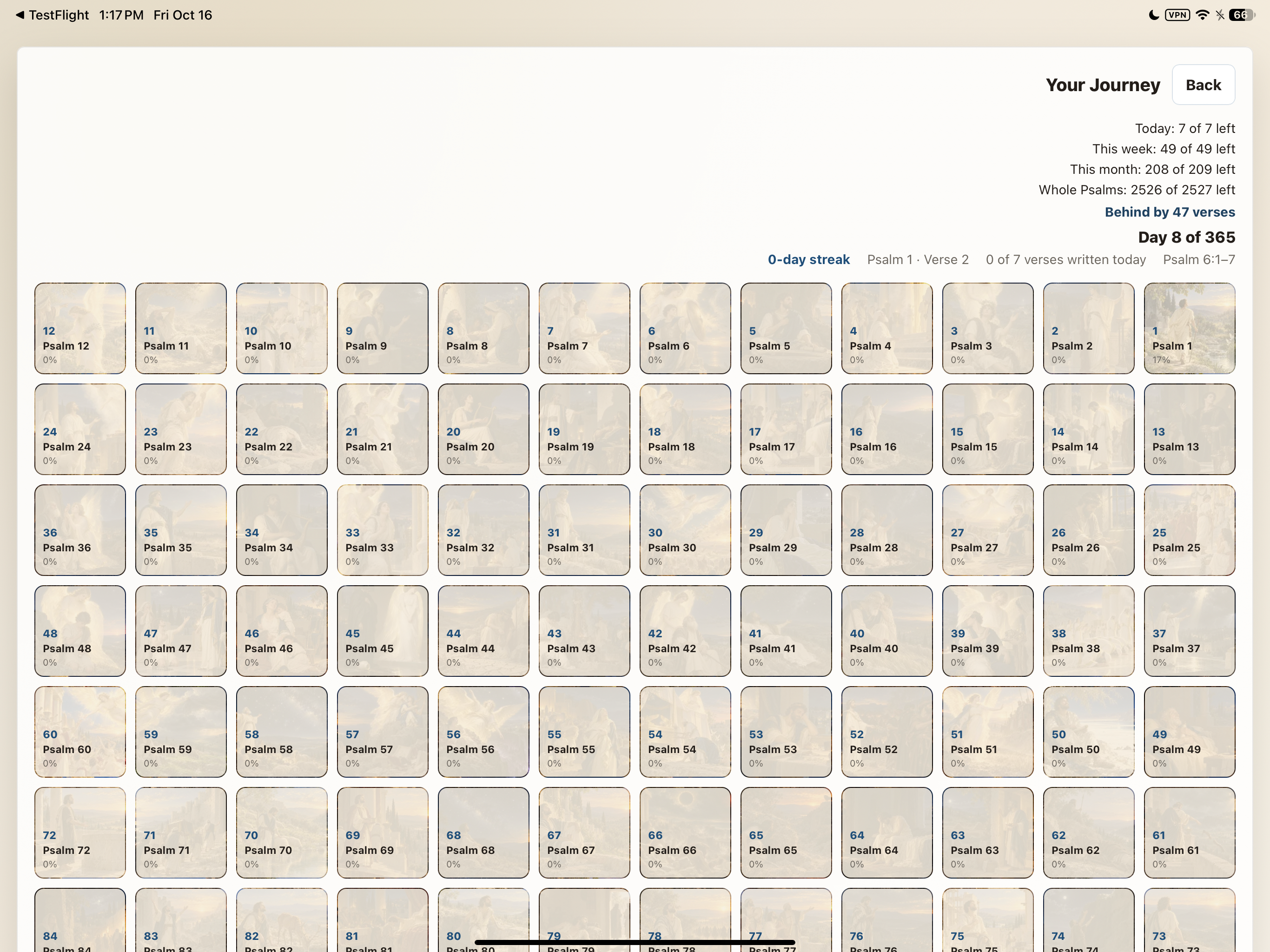
Write each Sanskrit verse by hand beneath its artwork.
Return to a verse you were writing earlier.
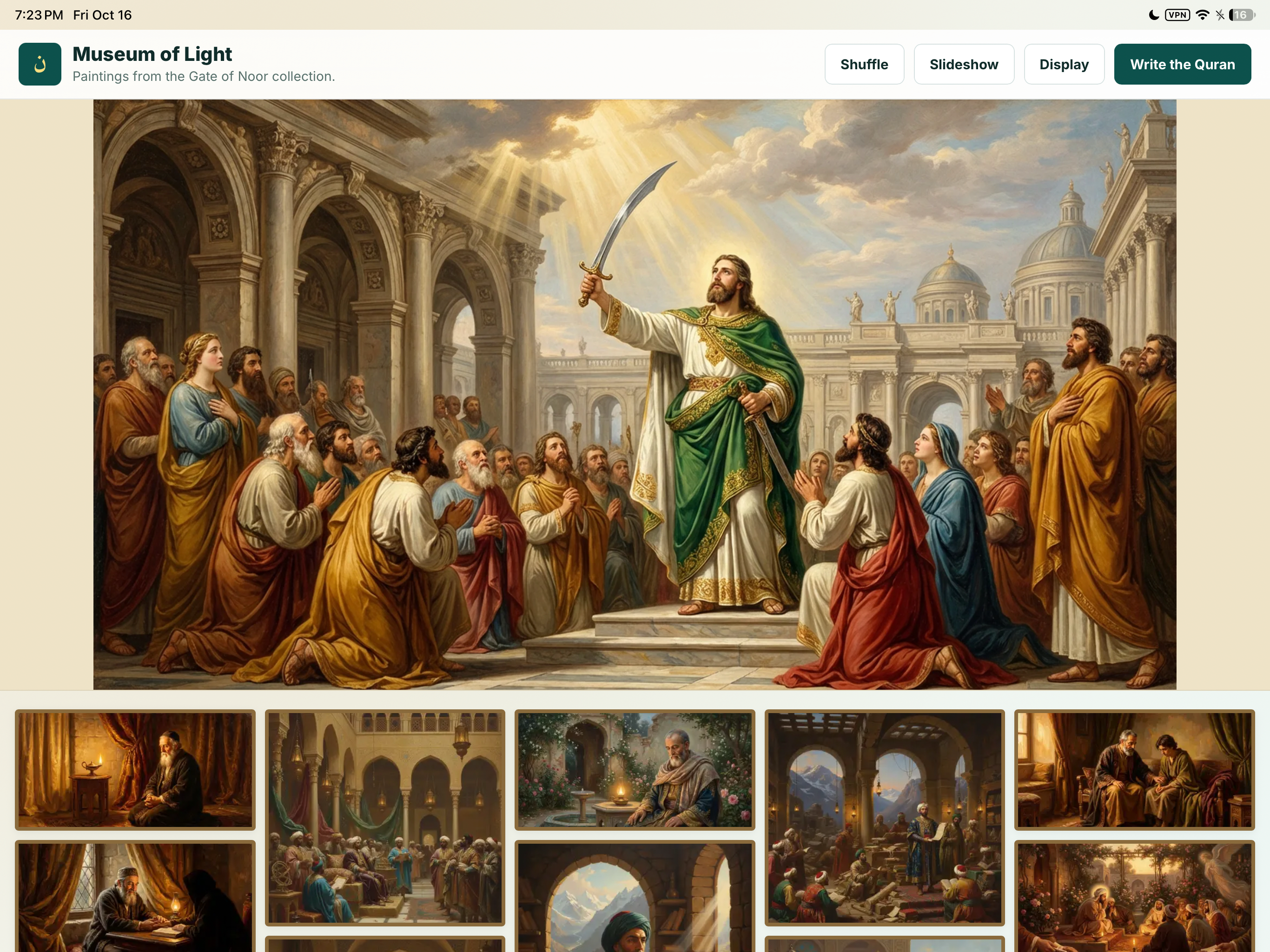
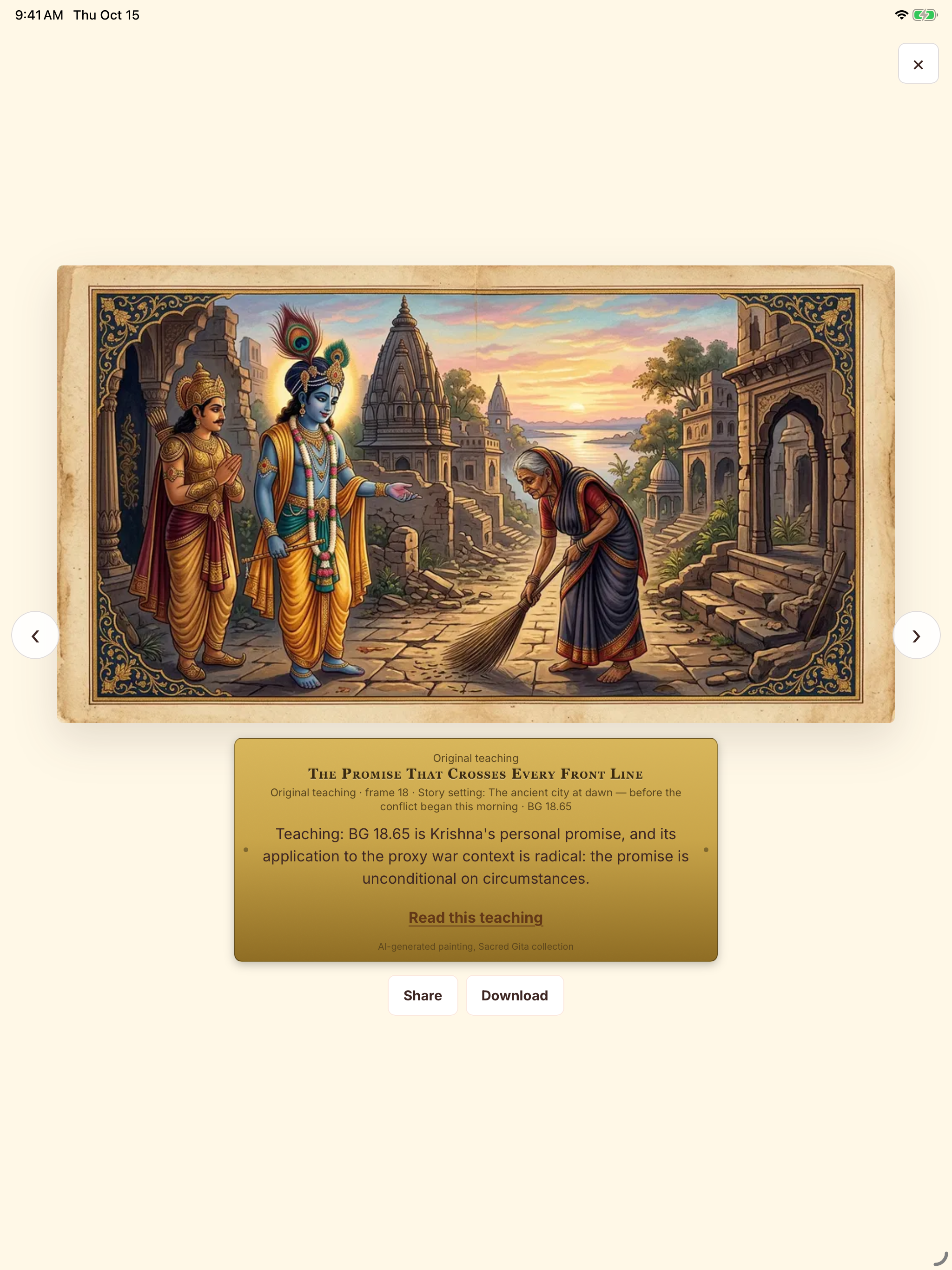
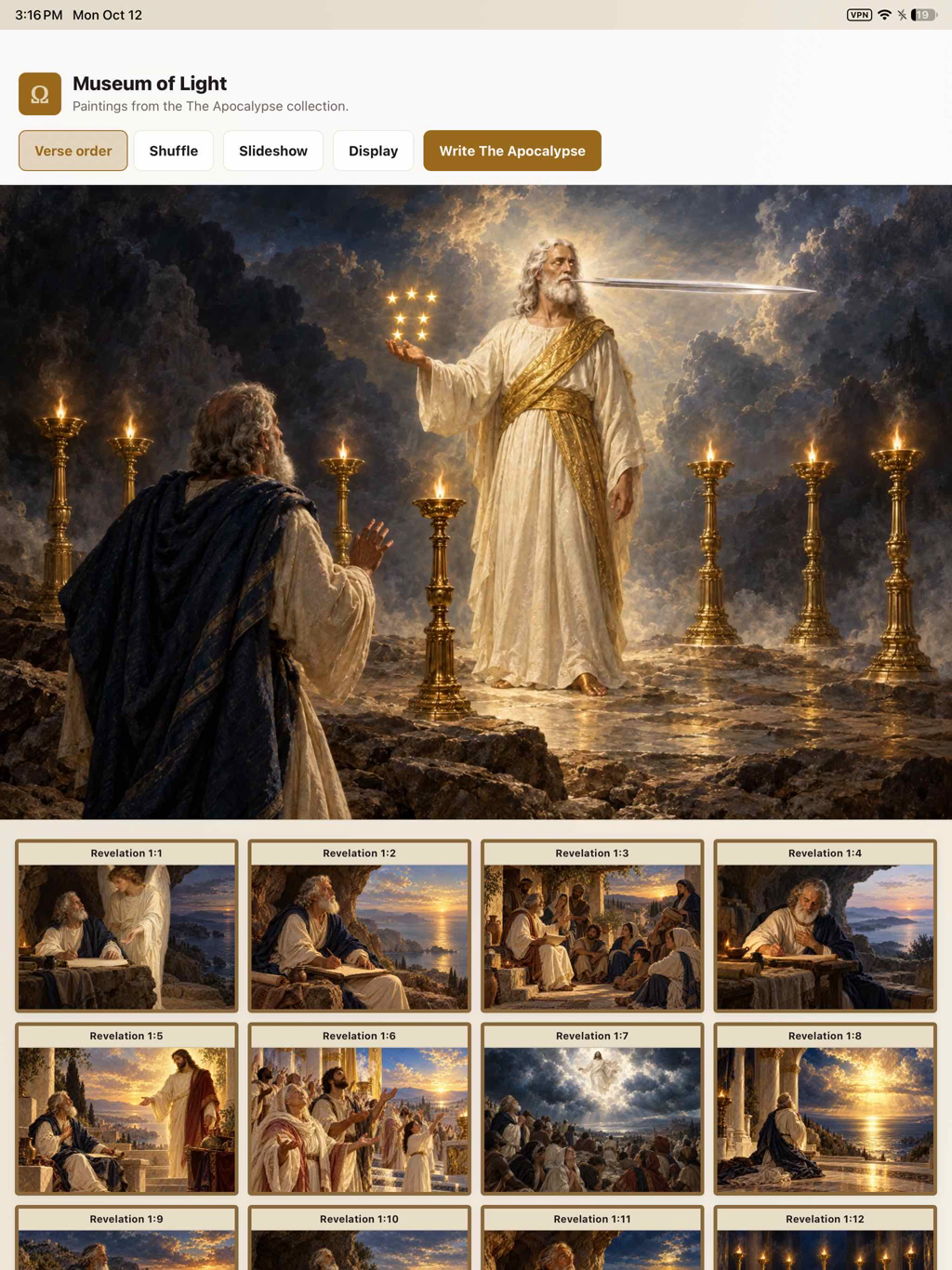
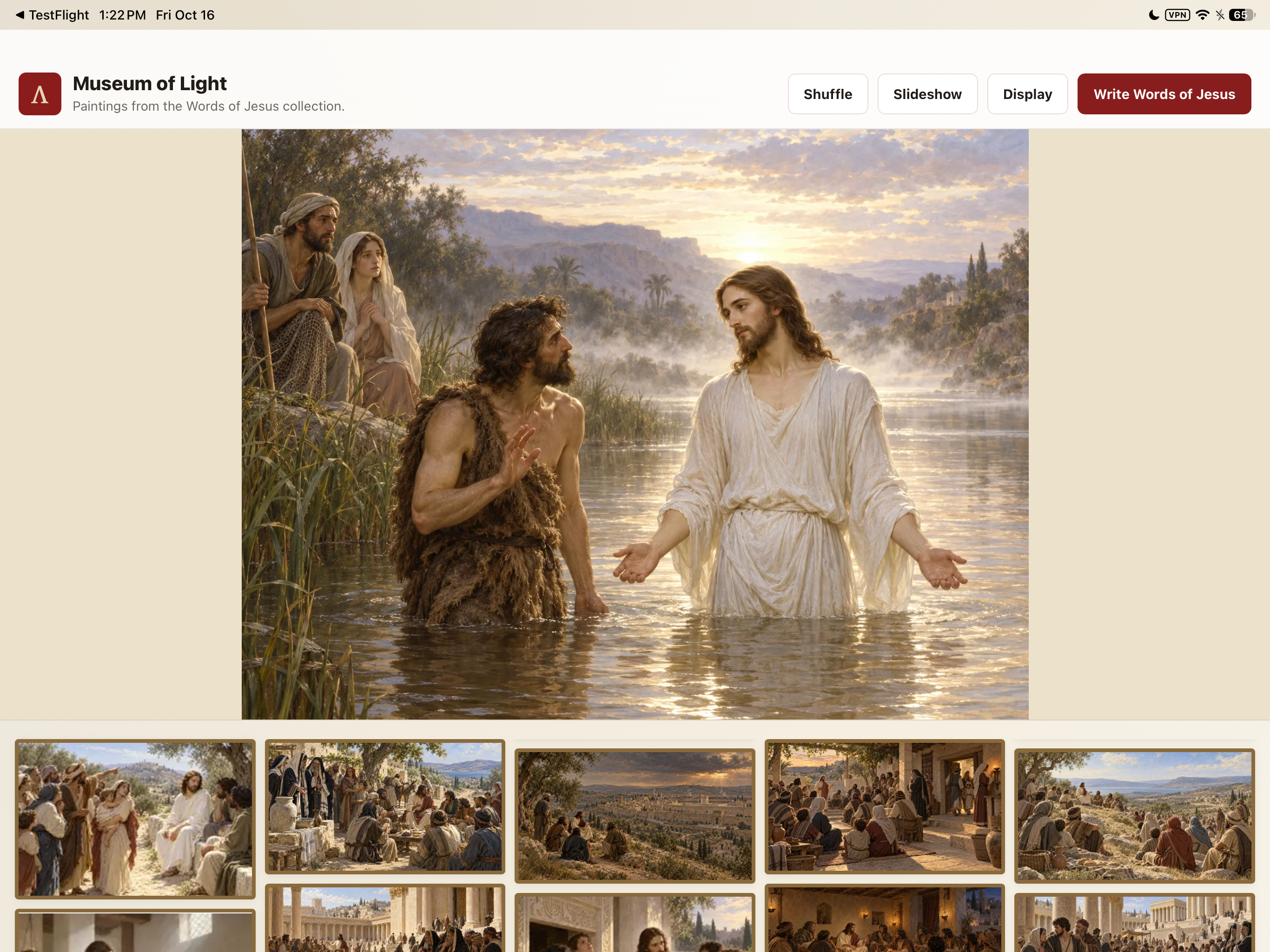
Explore the artwork in Museum of Light.
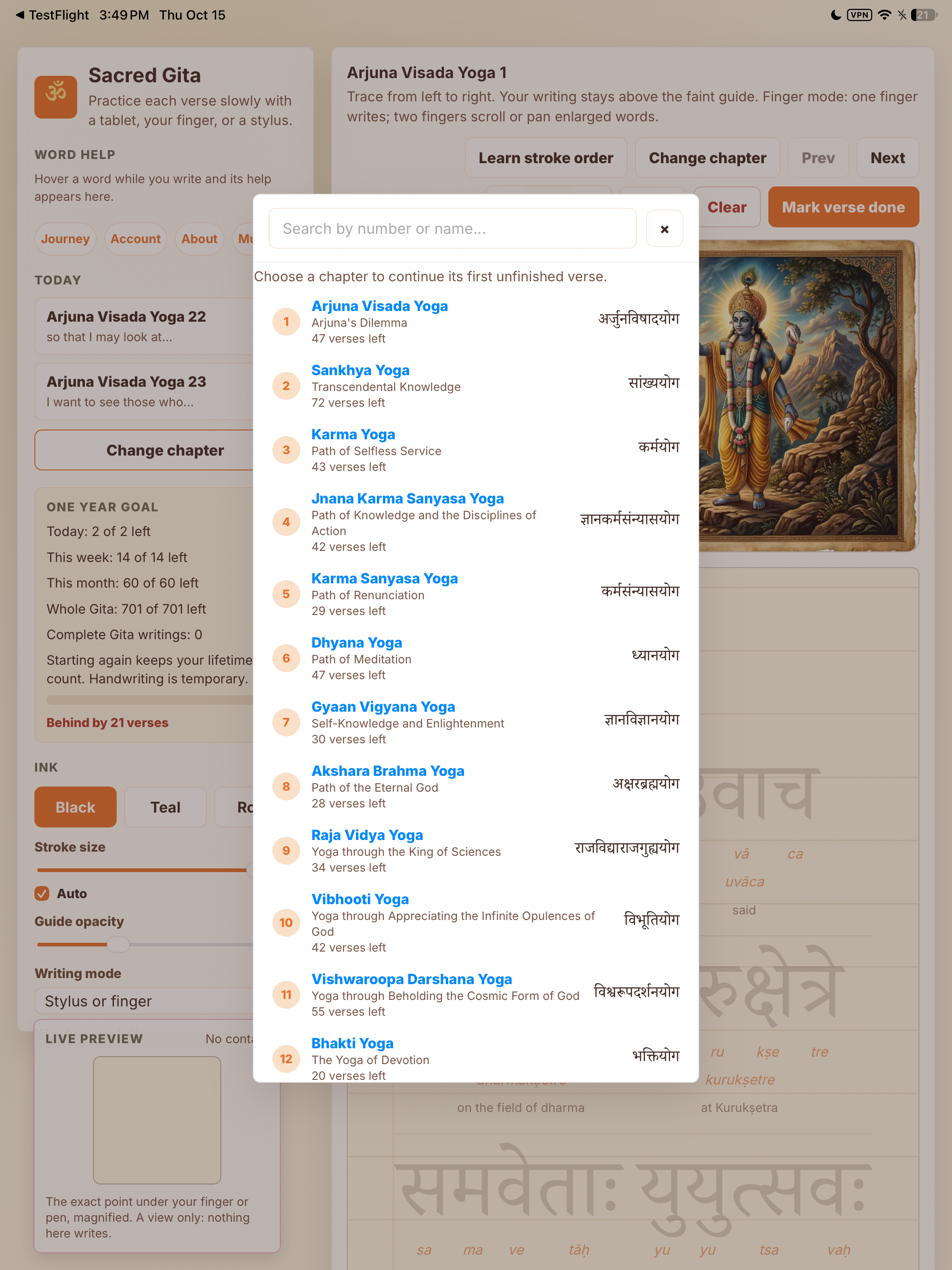
Choose any chapter by name or number.
App demonstration: writing a Sanskrit verse, opening the chapter picker and browsing the Museum of Light. Recorded on iPad.
This video could not be played here. Open Sacred Gita to start exploring.
Using Sacred Gita, signing in and privacy
Begin writing, then change chapter or take the verse the app offers for today.
Write with one finger; use two fingers to scroll or to move across enlarged words.
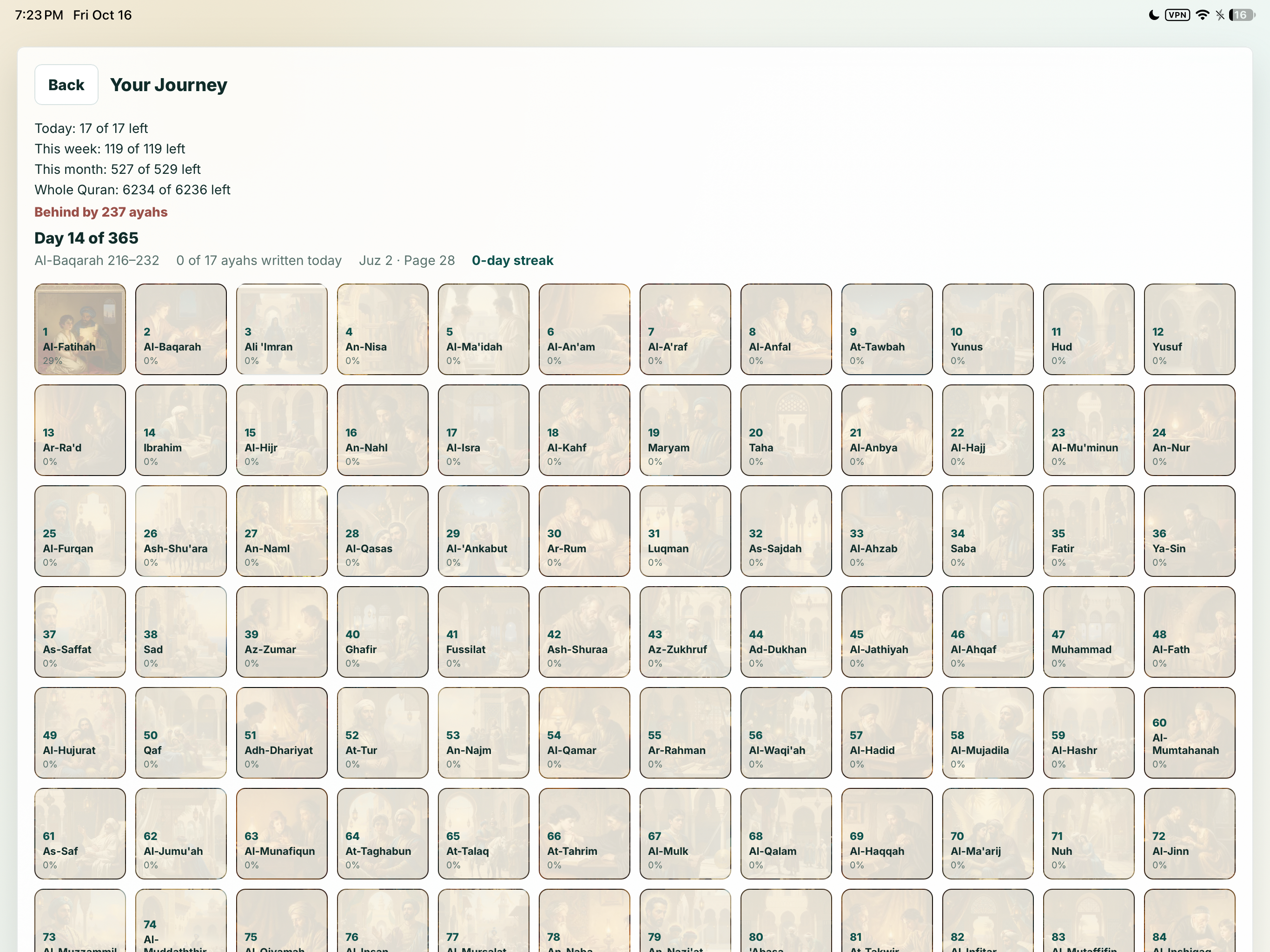
The day-by-day journey and the one-year goal track the days you have written.
Everything you finish is kept in the Museum, with a lifetime count of complete Gita writings.
Free to use, including every passage, the journey and the Museum. Progress stays in this browser on this device; cloud sync is not available in the browser edition yet.
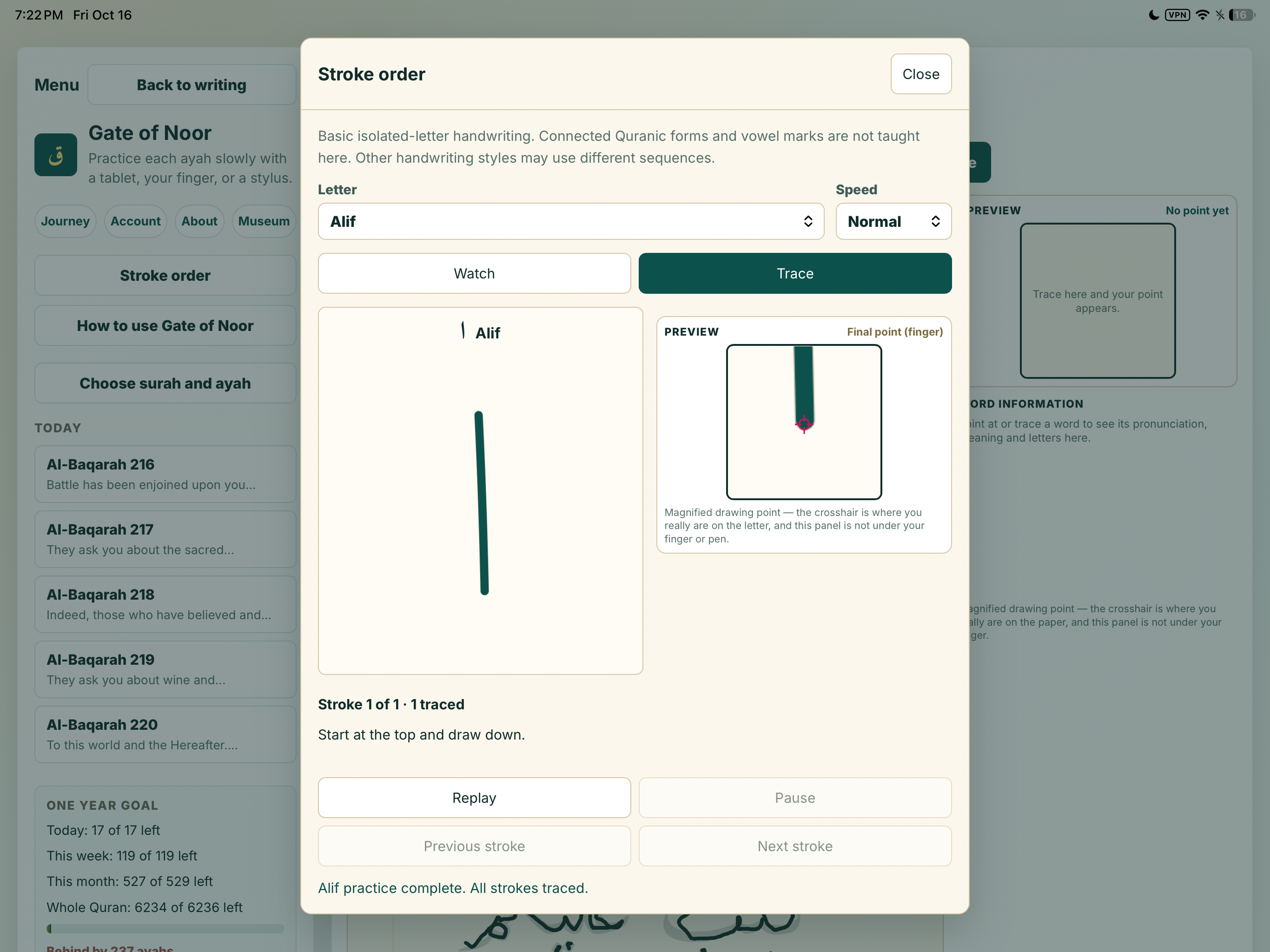
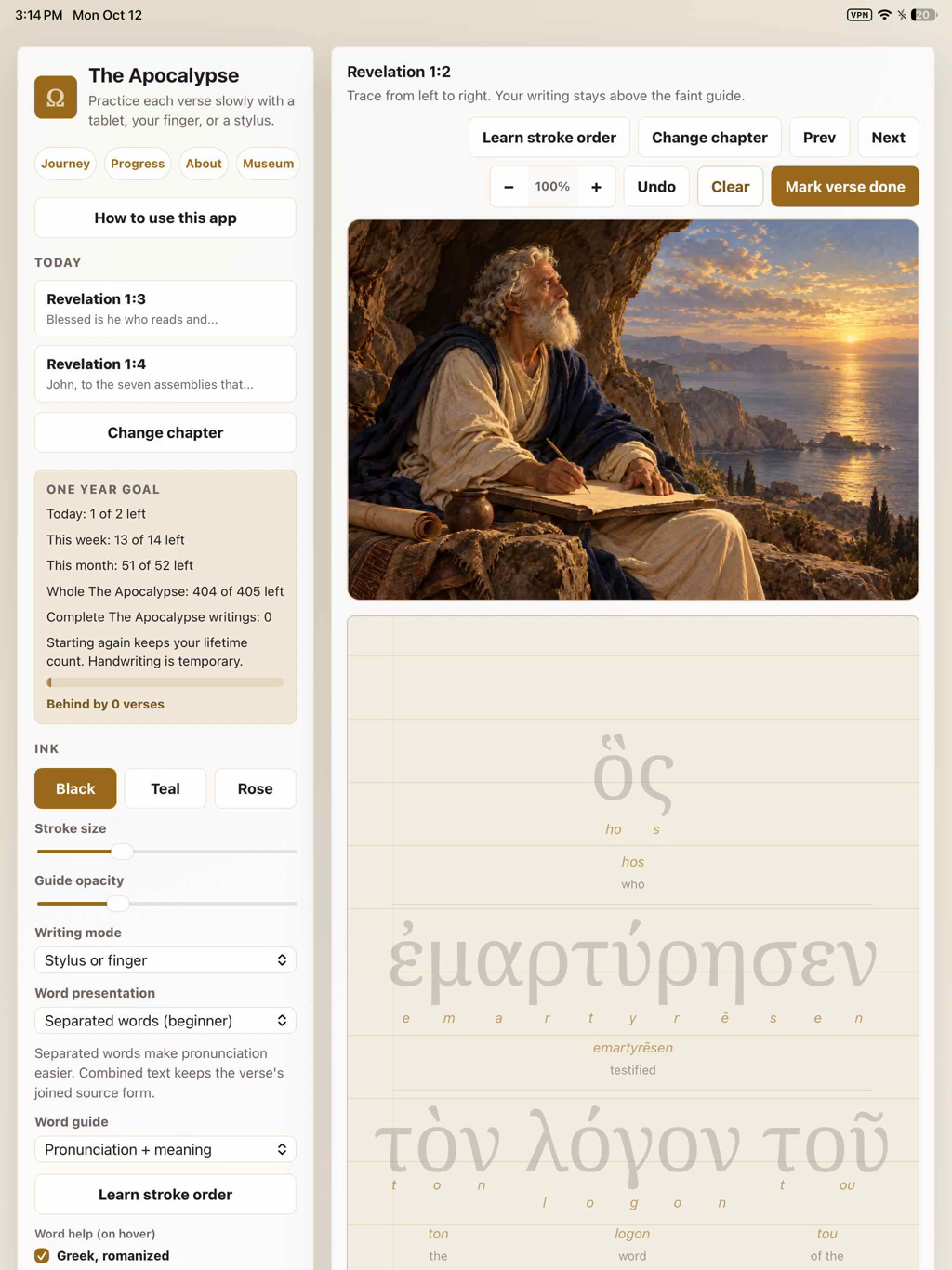
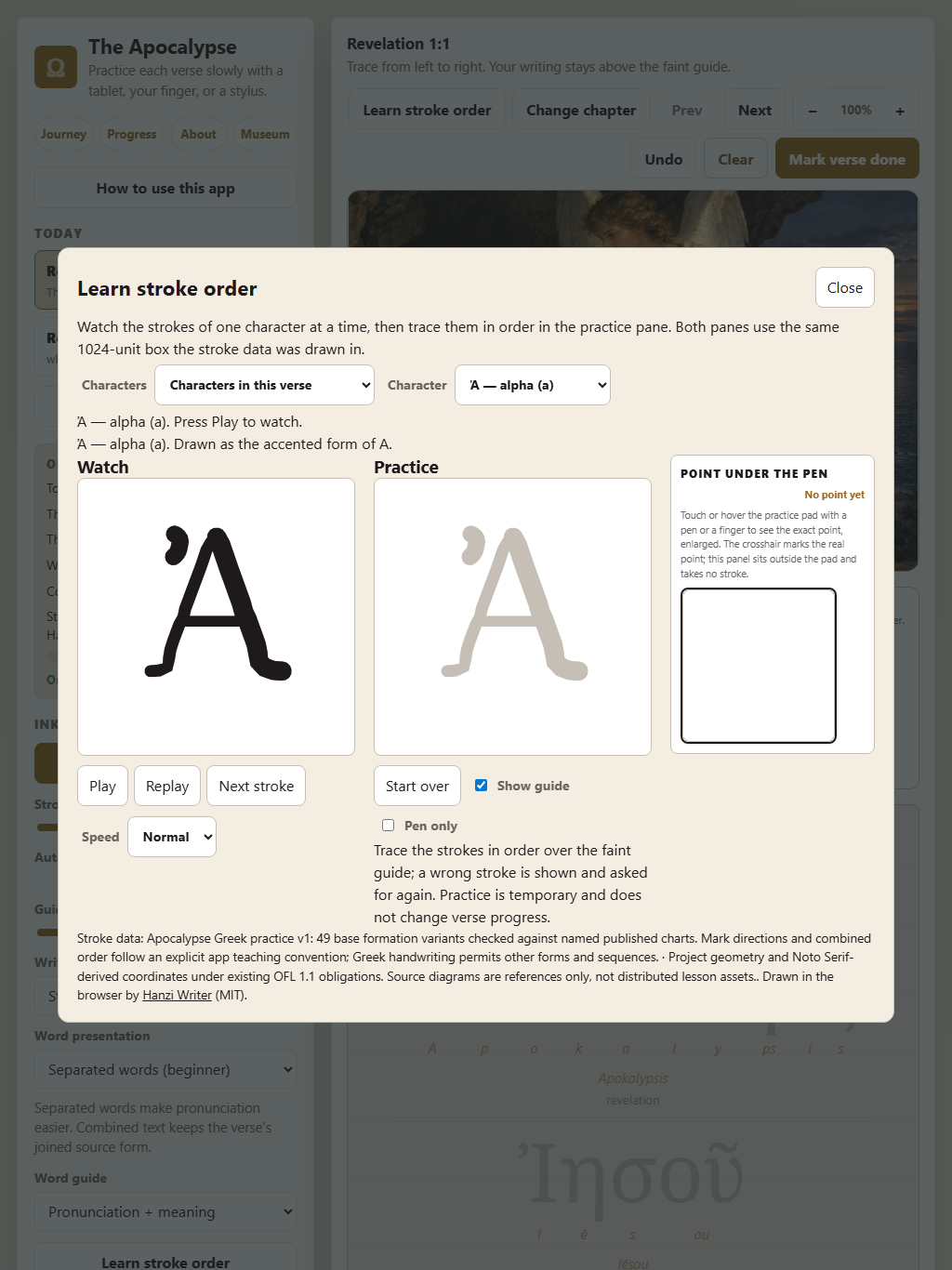
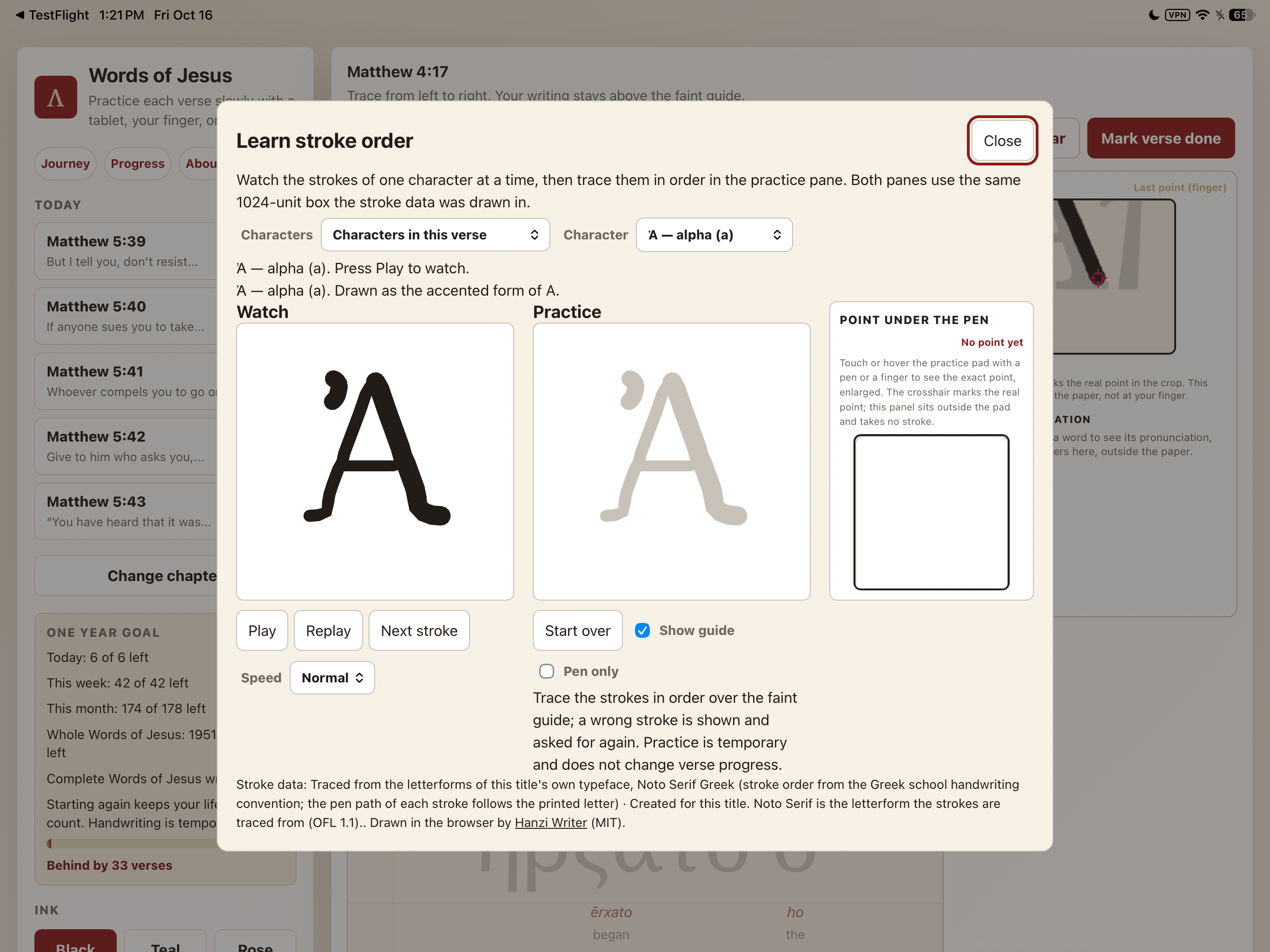
Learn each letter's stroke order before writing it.
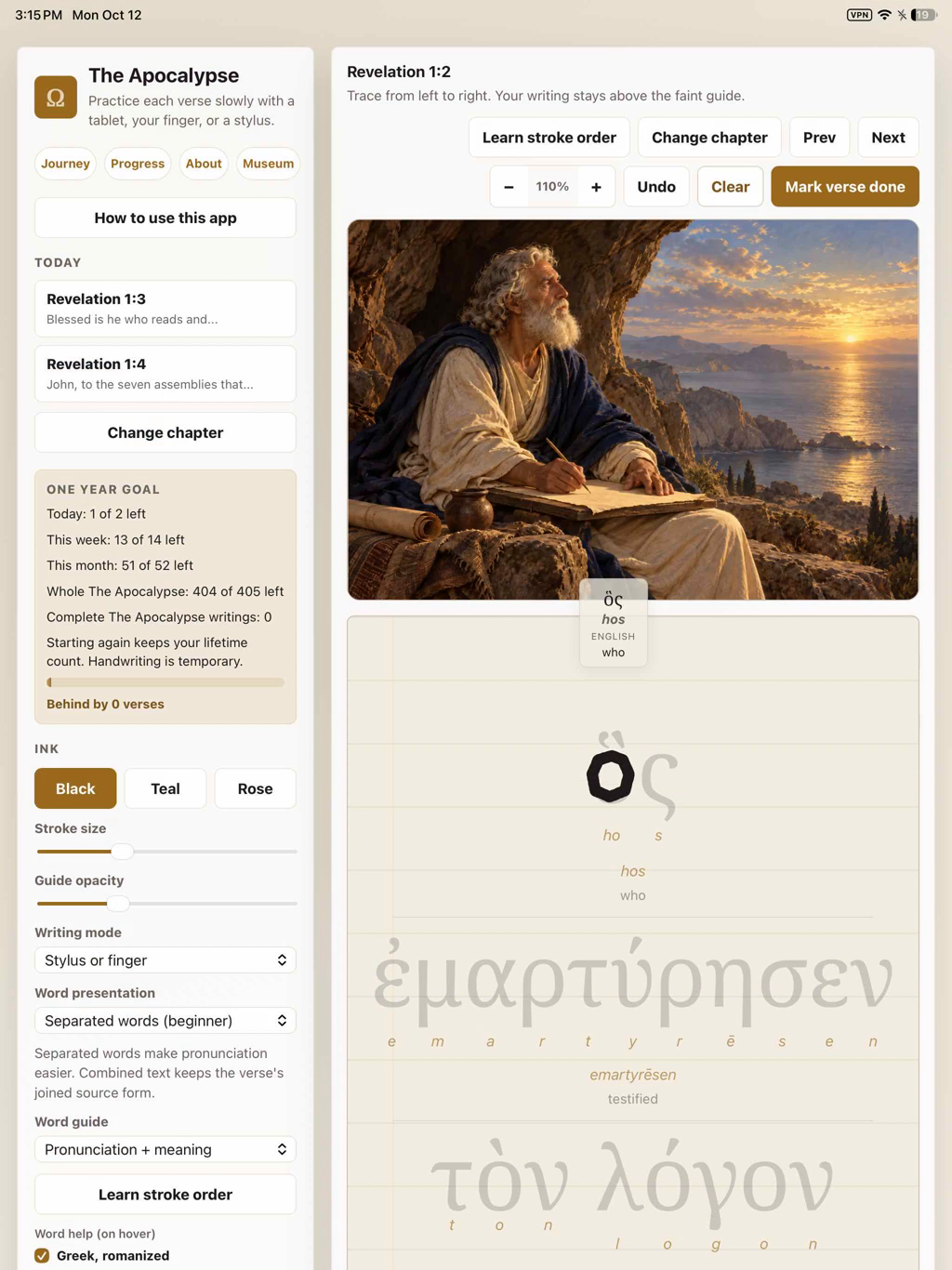
App demonstration: writing a Greek verse and its stroke order. Continuous clip from the accepted build 4 iPad recording.
This video could not be played here. Open The Apocalypse to start exploring.
Using The Apocalypse, signing in and privacy
Begin writing, then change chapter or take the random verse.
Write with one finger; use two fingers to scroll or to move across enlarged words.
The Sources and licences page lists every text and licence used by the app.
Starting a verse again keeps your lifetime count; the handwriting itself is temporary.
Free to use, including every passage, the journey and the Museum. Progress stays in this browser on this device; cloud sync is not available in the browser edition yet.
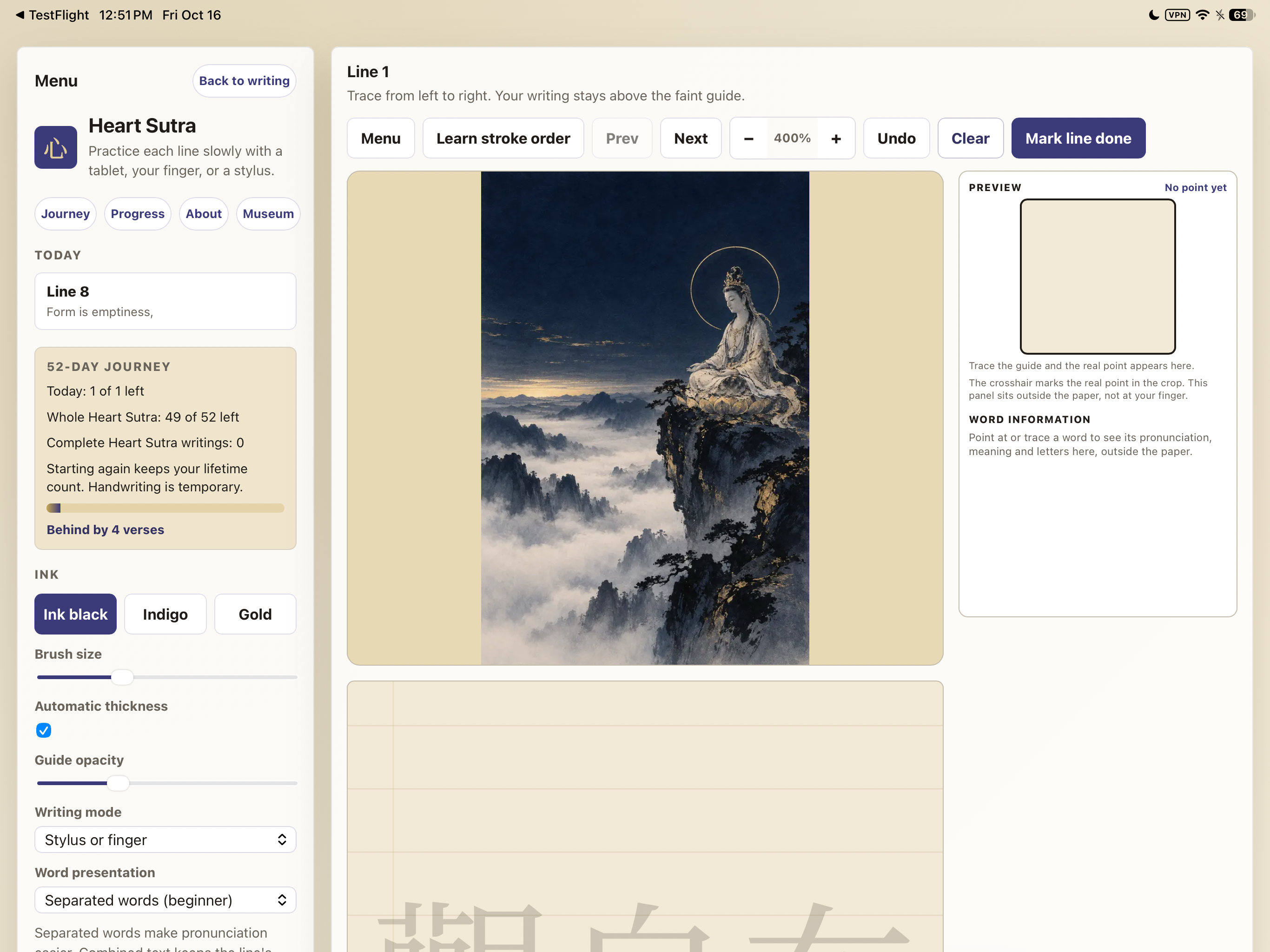
Write the fifty-two lines of the Heart Sutra by hand.
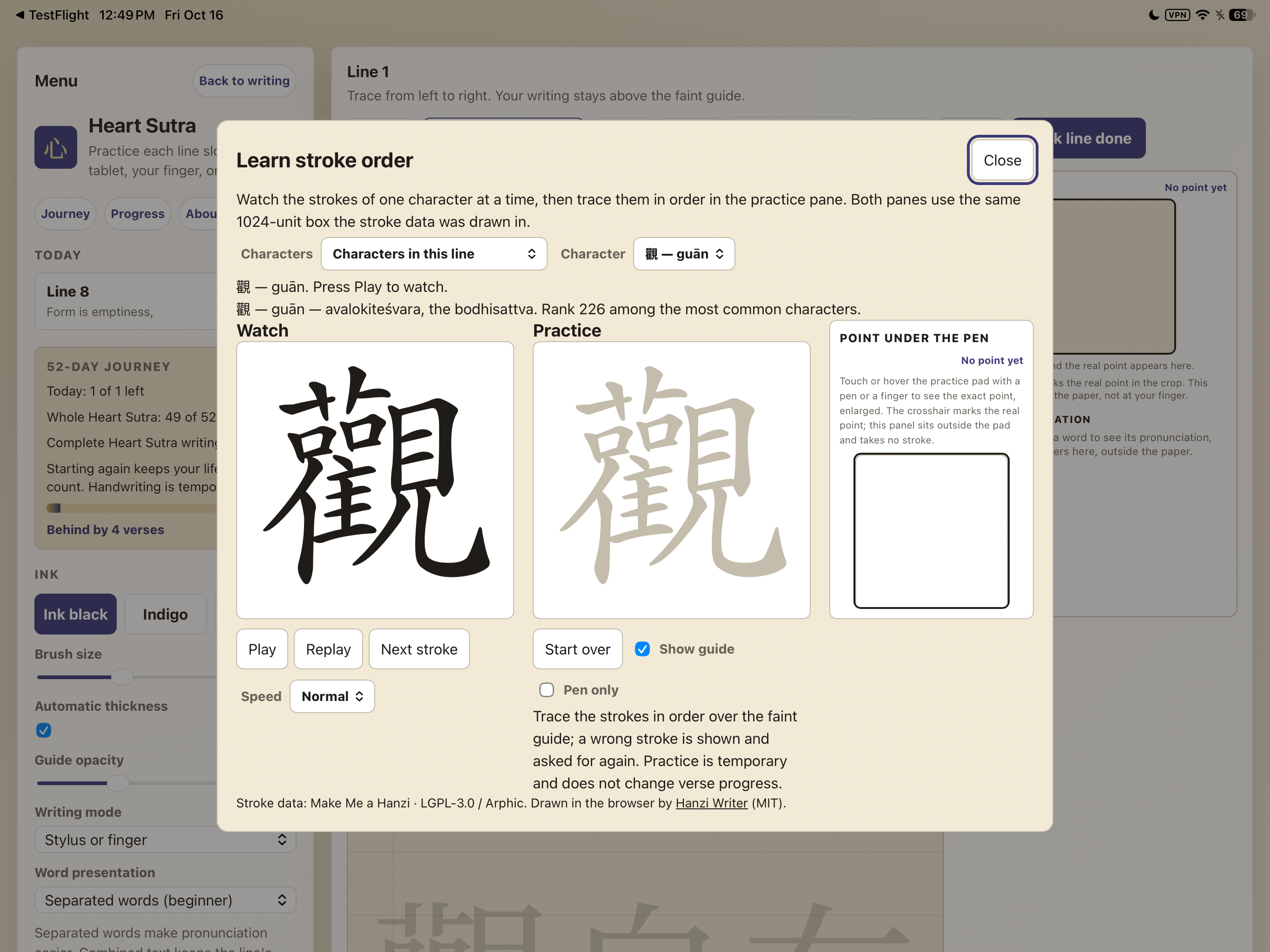
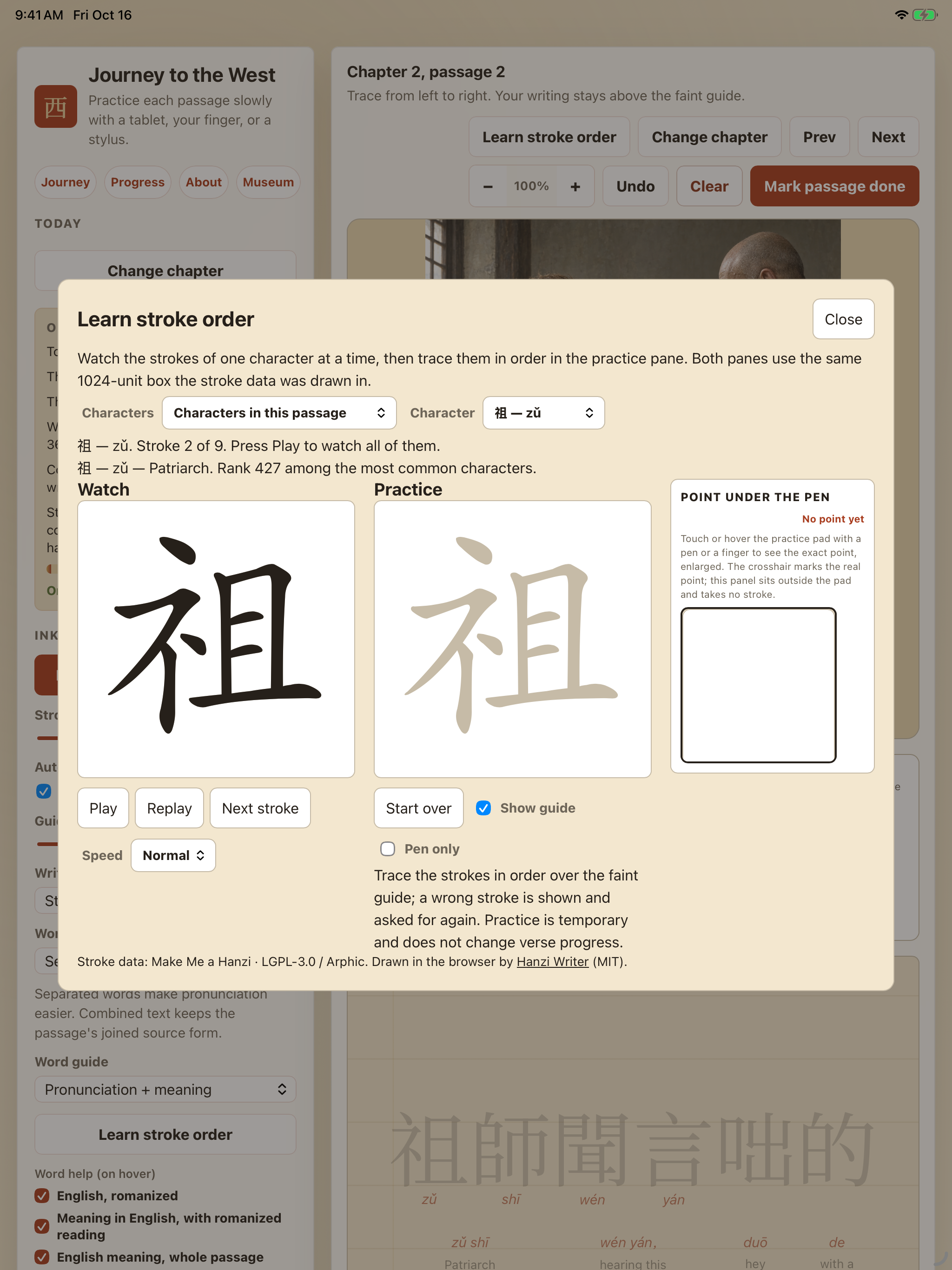
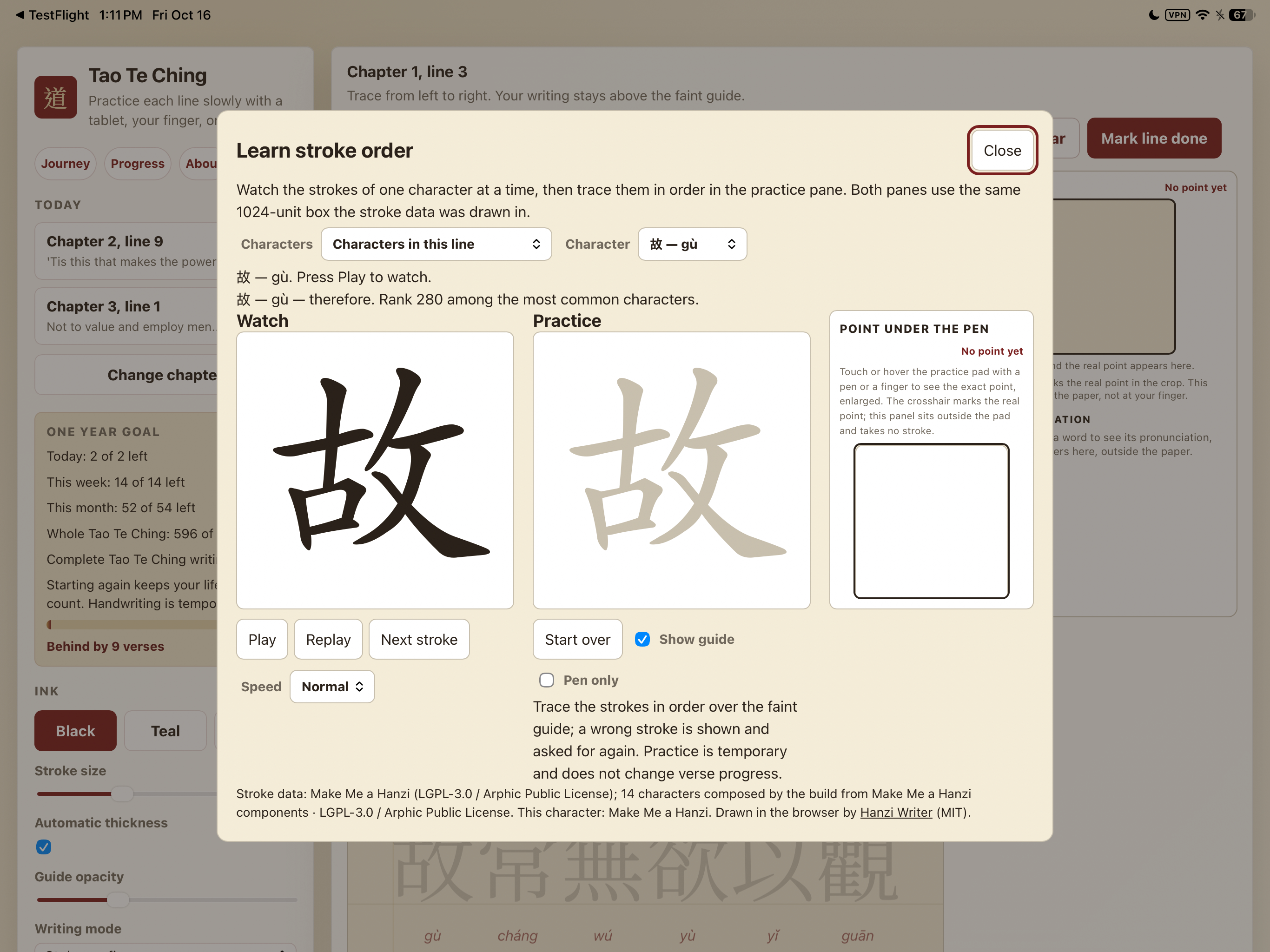
Learn each character's stroke order before writing it.
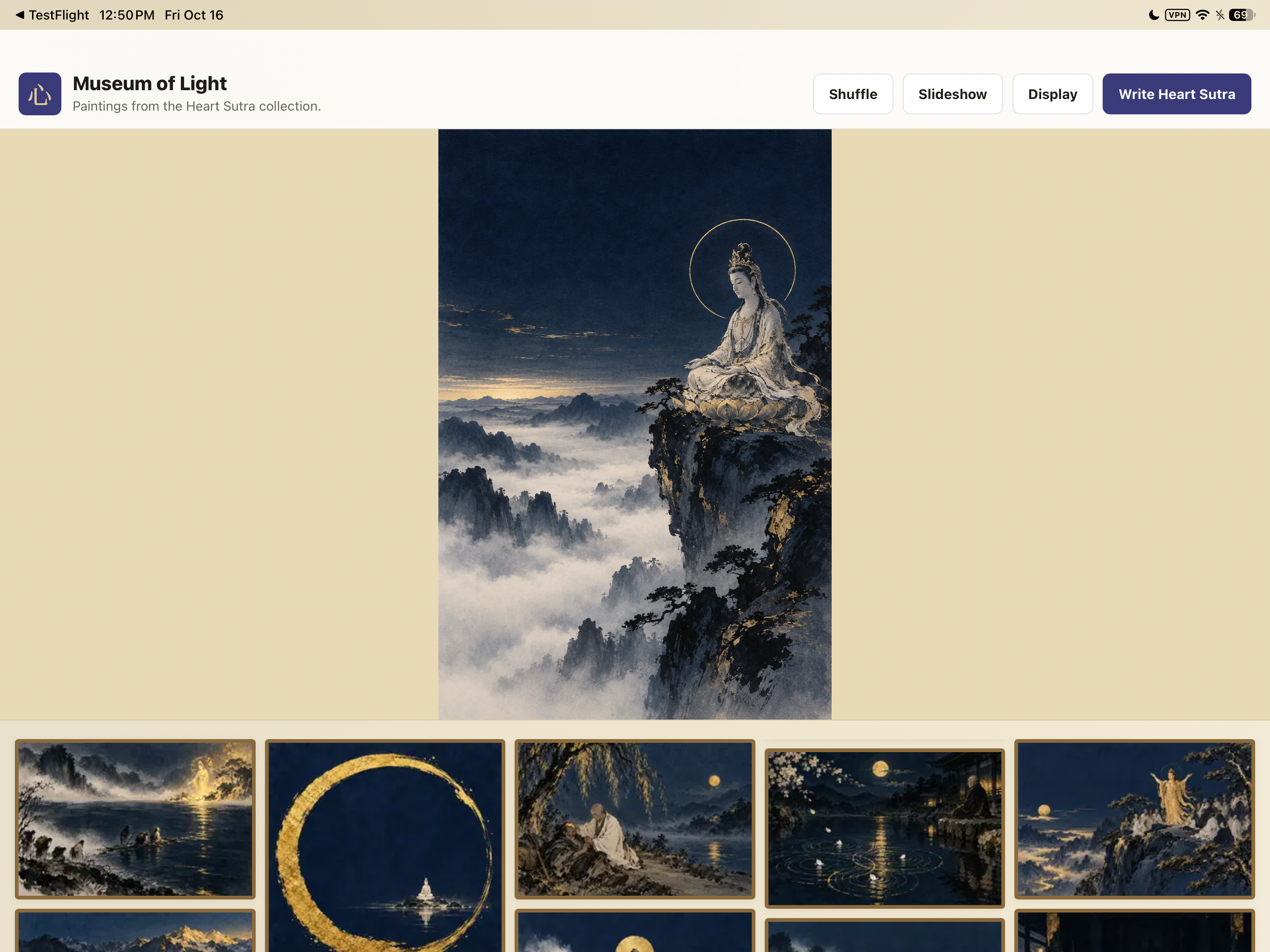
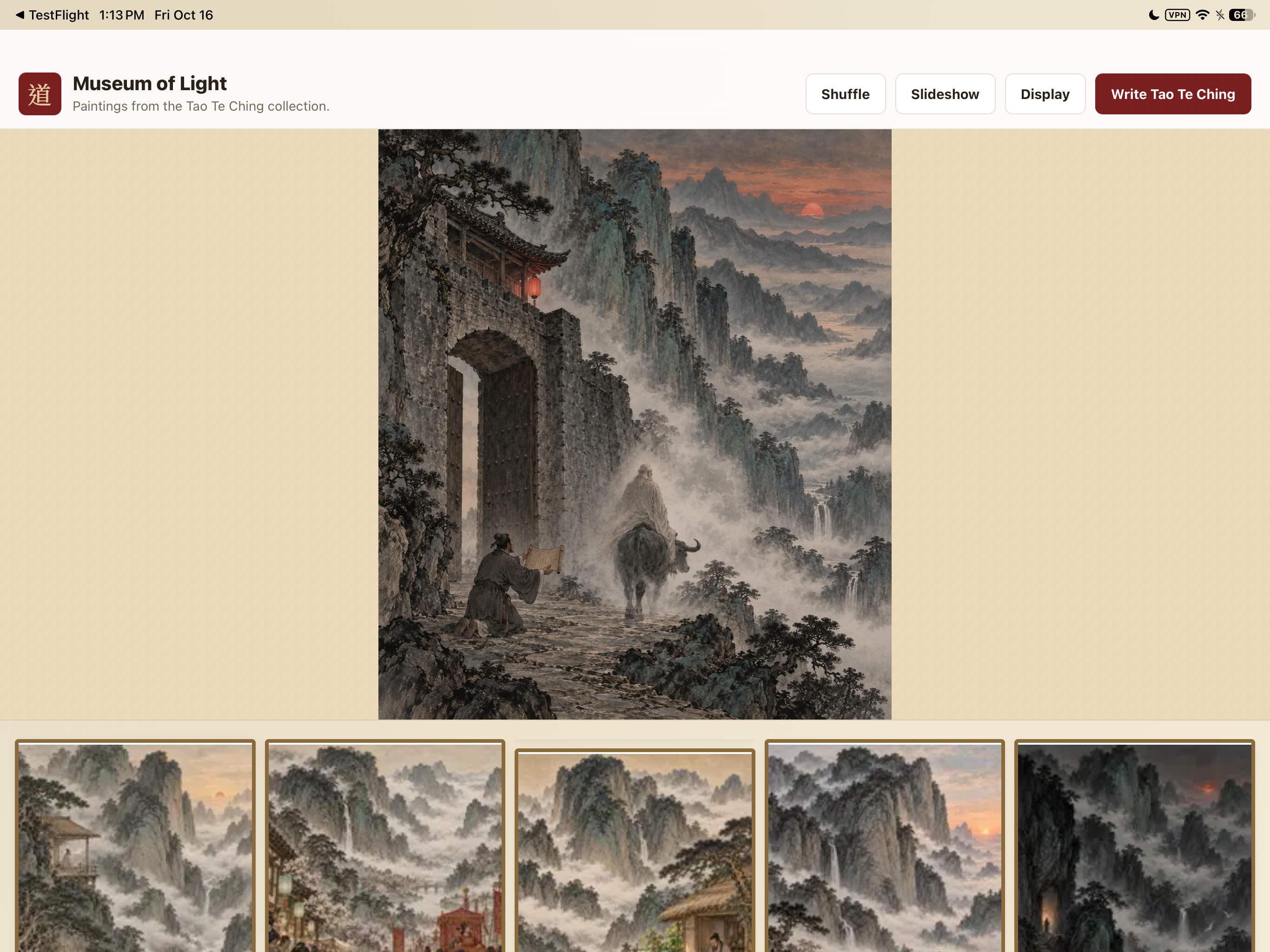
Explore the artwork in Museum of Light.
App demonstration: writing Heart Sutra characters, opening the stroke order and browsing the Museum of Light. Recorded on iPad.
This video could not be played here. Open Heart Sutra to start exploring.
Using Heart Sutra, signing in and privacy
Begin writing, then change chapter or take the random verse.
Write with one finger; use two fingers to scroll or to move across enlarged words.
The day-by-day journey and the one-year goal keep the practice steady.
Finished lines are collected in the Museum.
Free to use, including every passage, the journey and the Museum. Progress stays in this browser on this device; cloud sync is not available in the browser edition yet.
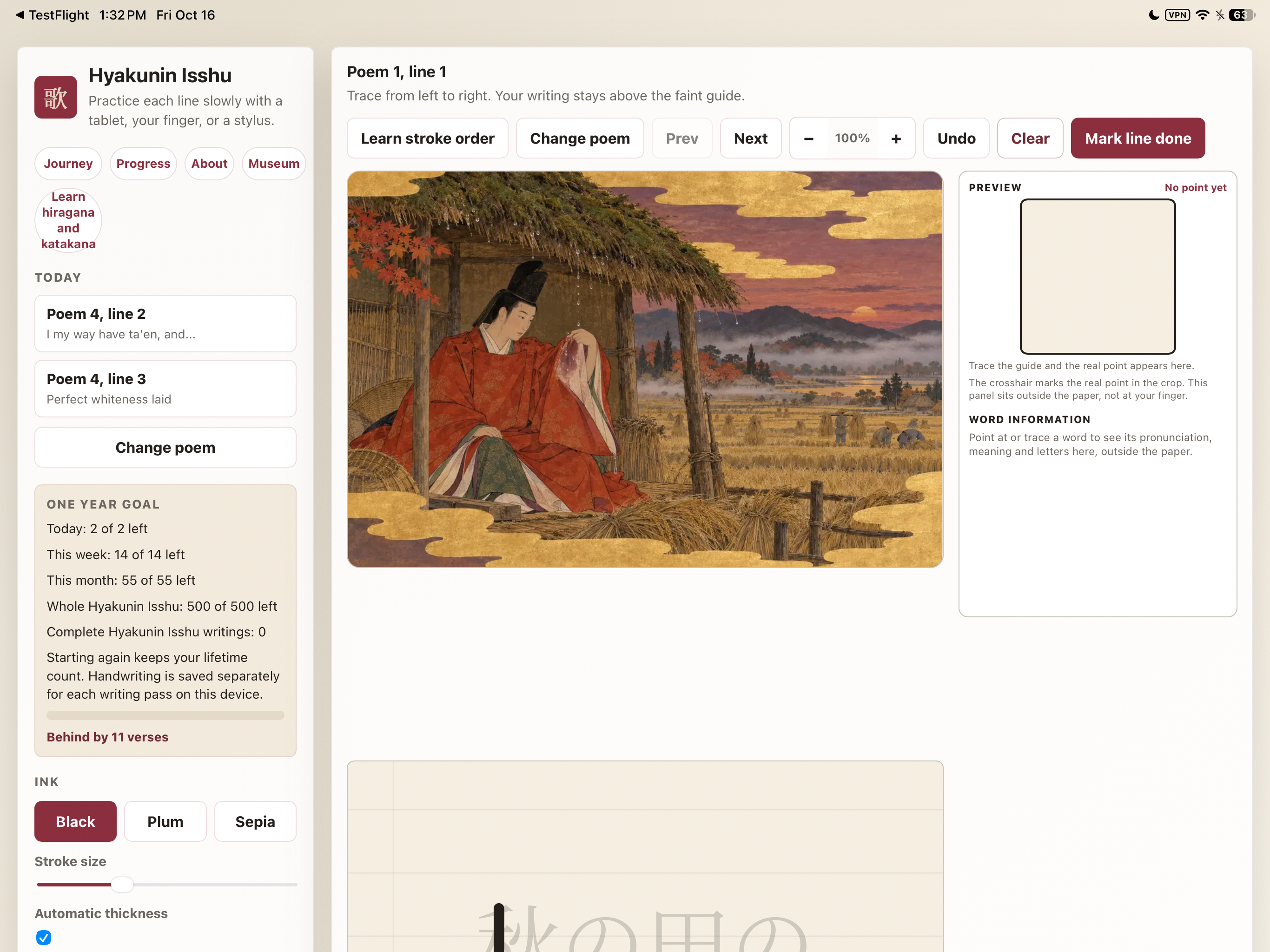
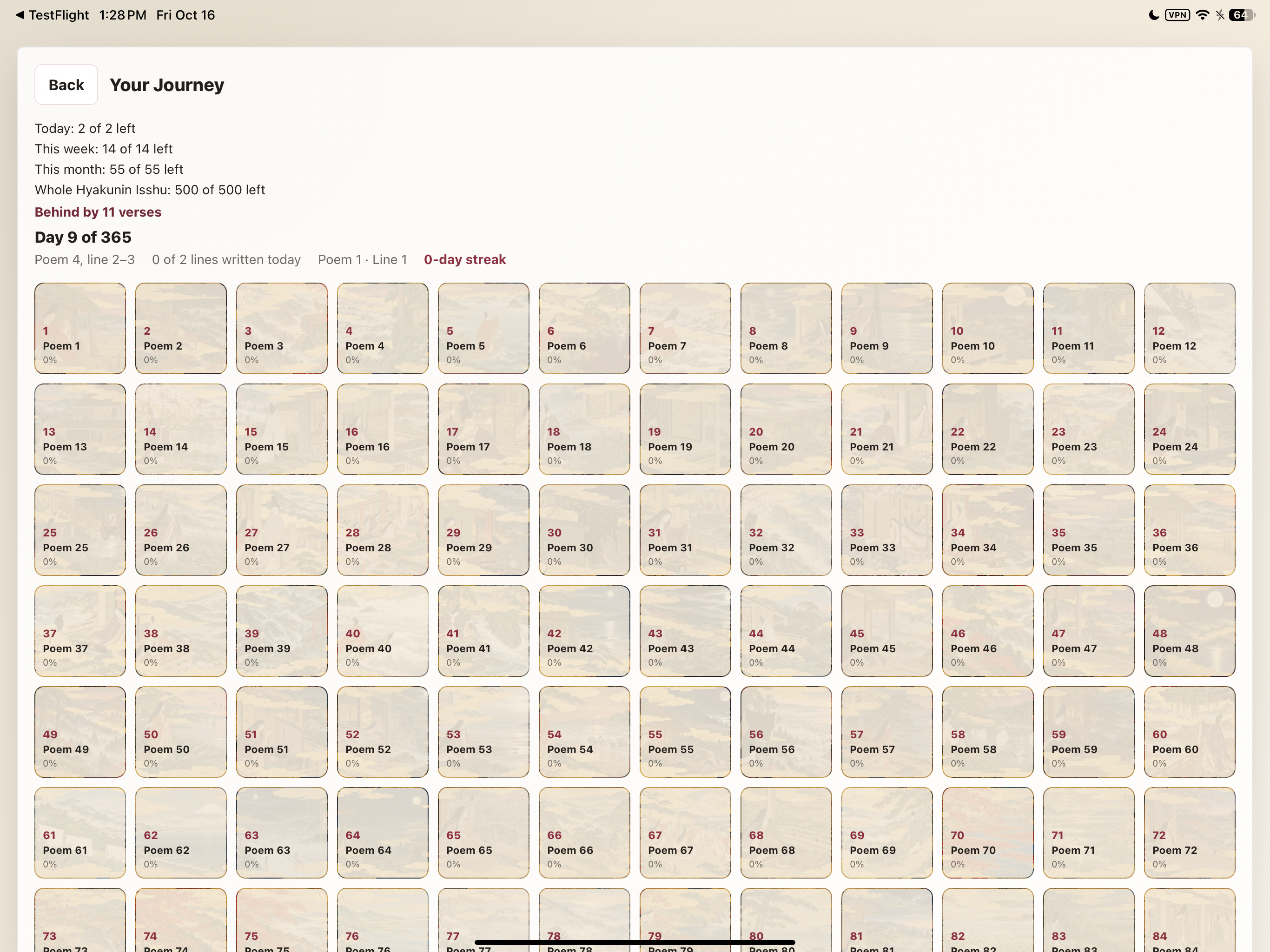
Move through the hundred poems one line at a time.
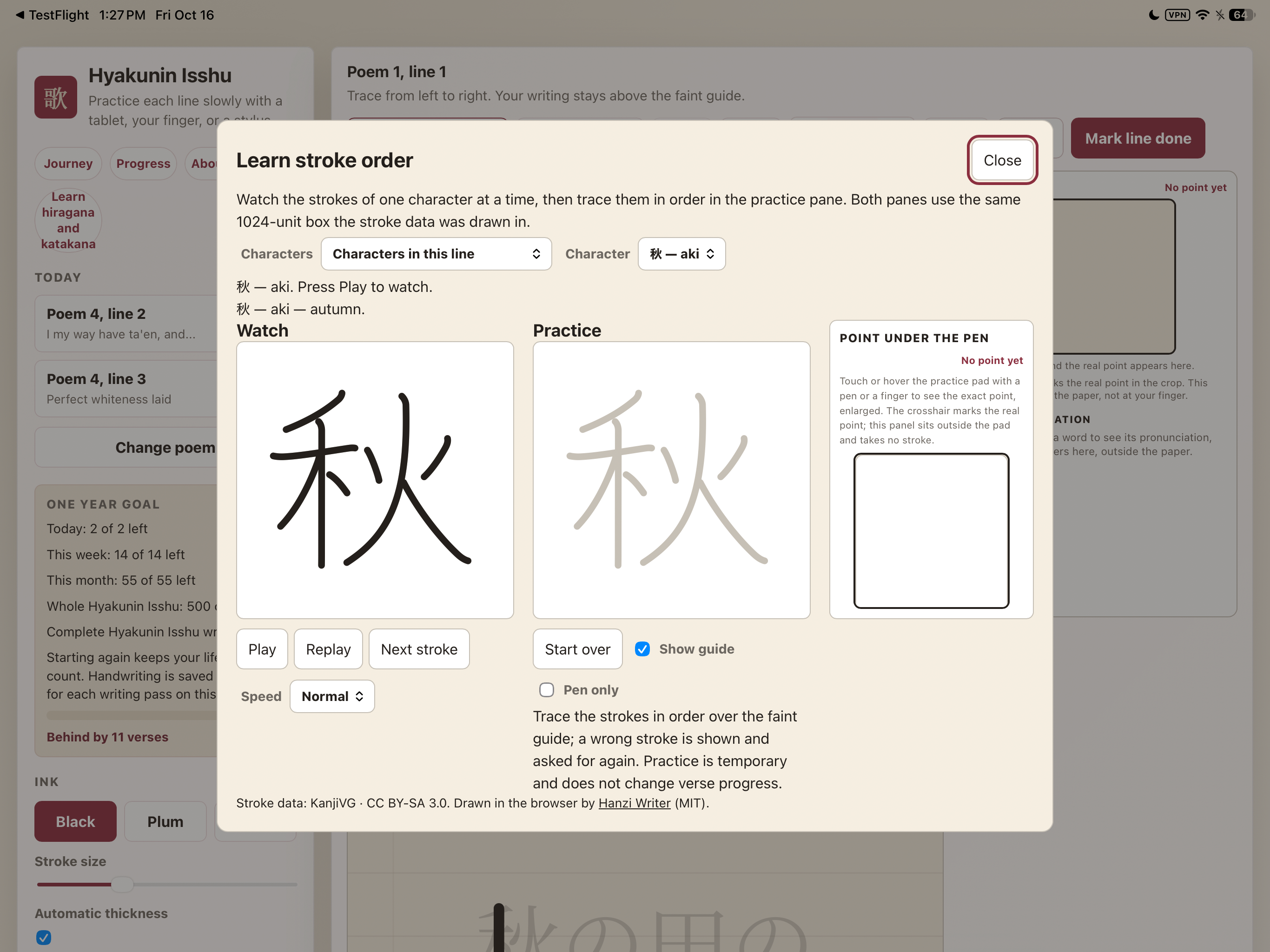
Learn each kana and character stroke by stroke.
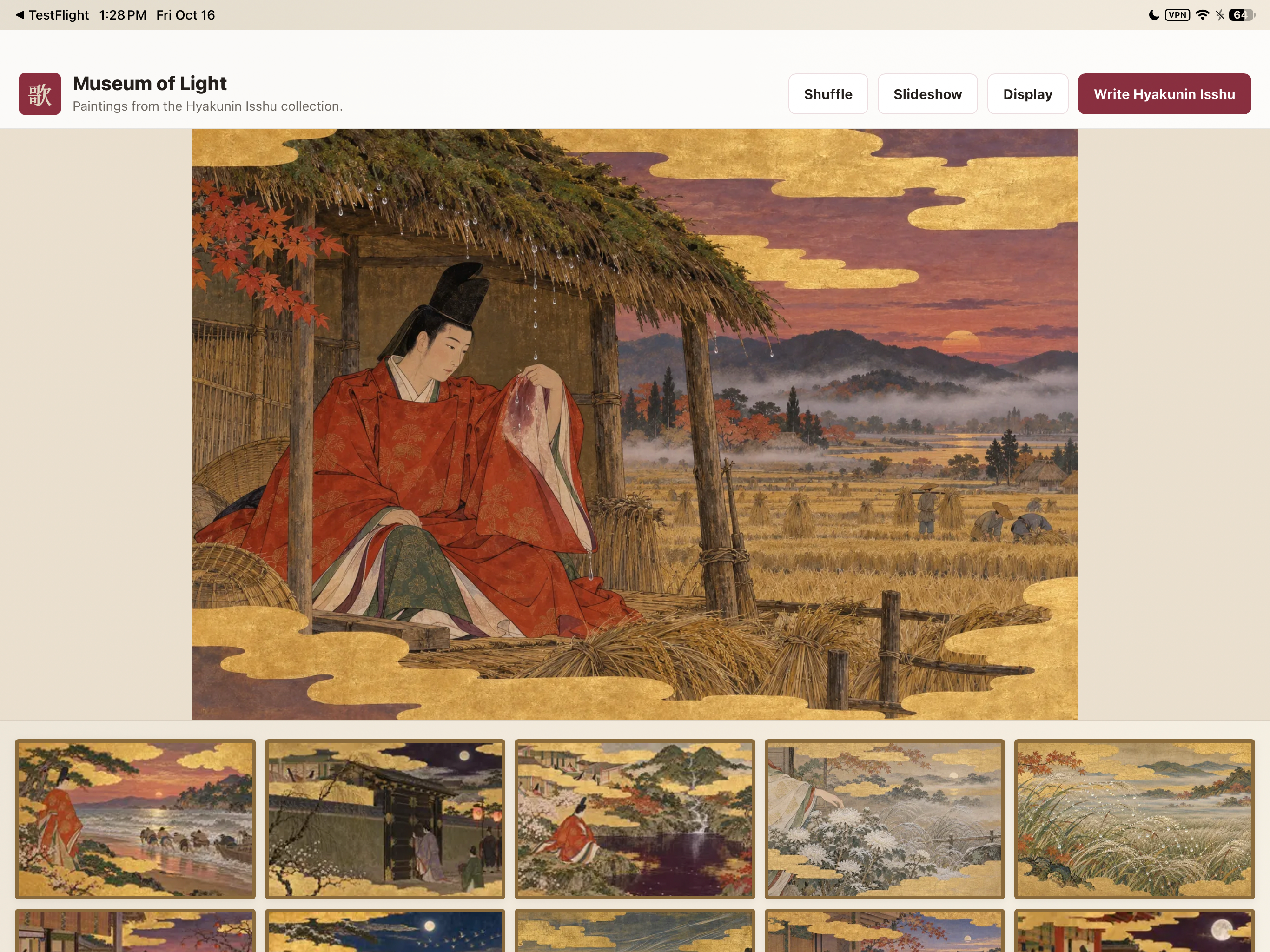
Explore the artwork in Museum of Light.
App demonstration: writing a poem line, opening the stroke order and browsing the Museum of Light. Recorded on iPad.
This video could not be played here. Open Hyakunin Isshu to start exploring.
Using Hyakunin Isshu, signing in and privacy
Begin writing, then change chapter or take the random verse.
Write with one finger; use two fingers to scroll or to move across enlarged words.
The day-by-day journey and the one-year goal show how far along you are.
Finished lines are collected in the Museum.
Free to use, including every passage, the journey and the Museum. Progress stays in this browser on this device; cloud sync is not available in the browser edition yet.
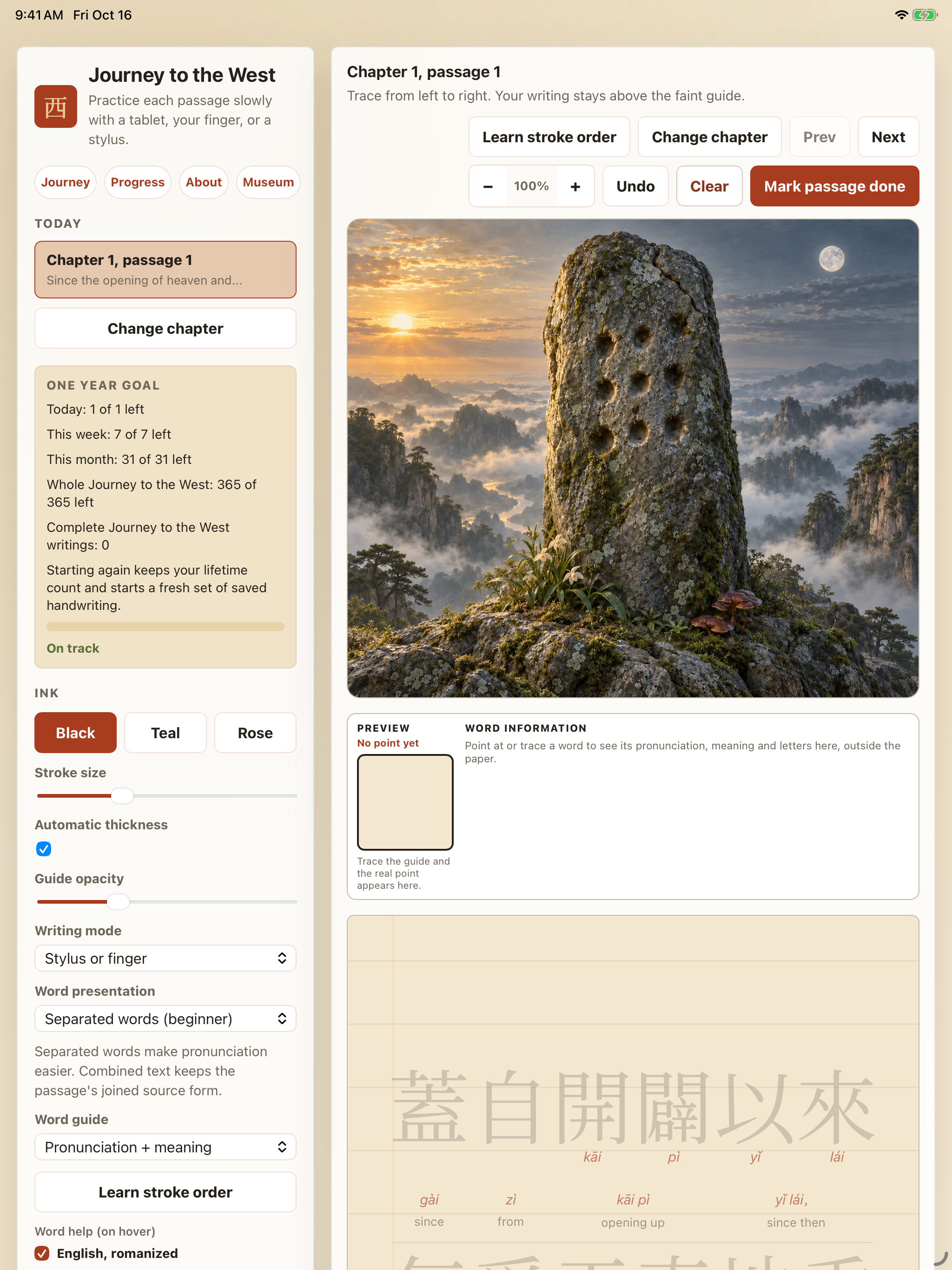
Begin writing, then change chapter or take the random verse.
Write with one finger; use two fingers to scroll or to move across enlarged words.
The day-by-day journey and the one-year goal carry you through the passages.
Finished passages are collected in the Museum.
Free to use, including every passage, the journey and the Museum. Progress stays in this browser on this device; cloud sync is not available in the browser edition yet.
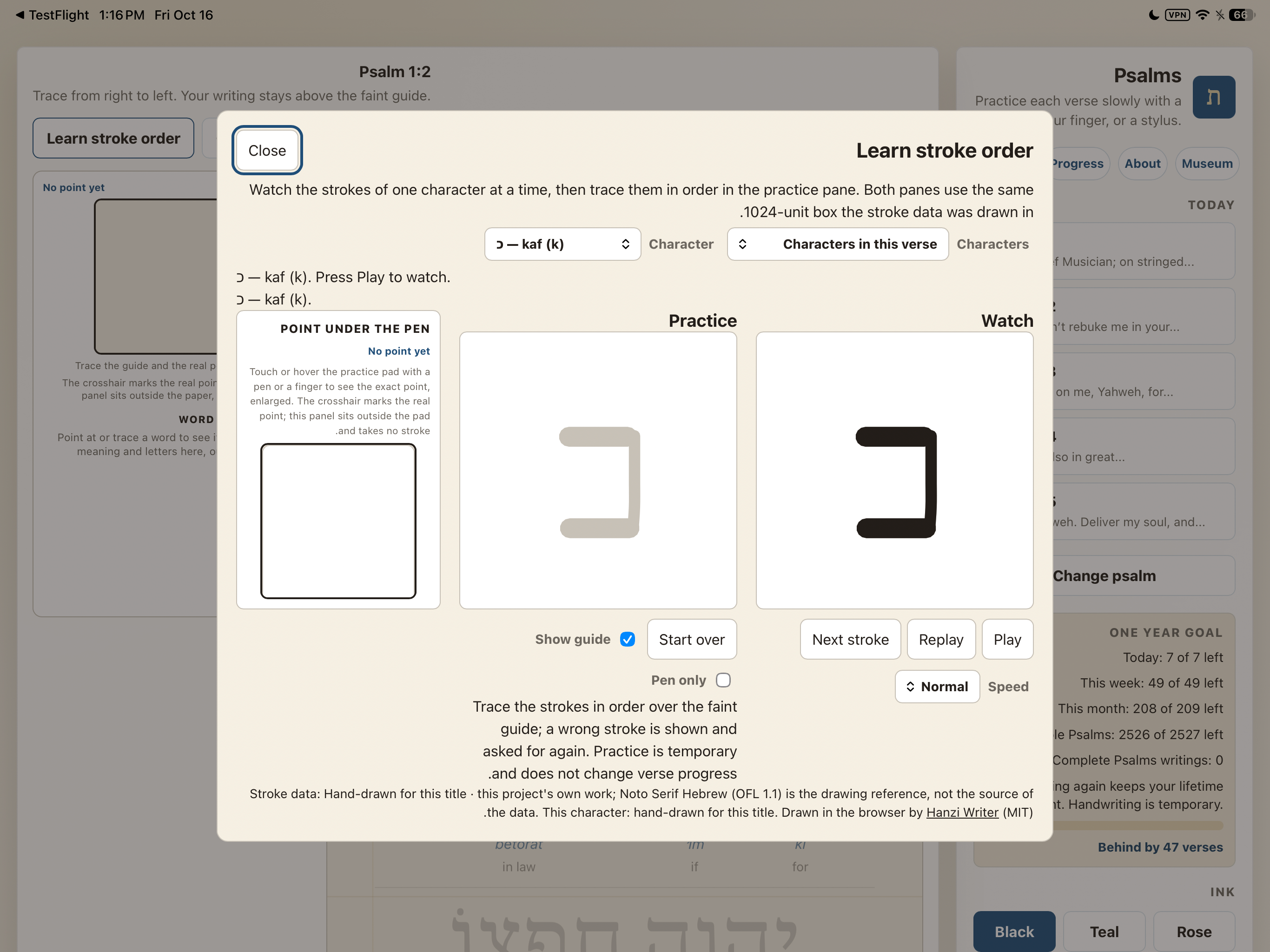
Learn each Hebrew word's stroke order before writing it.
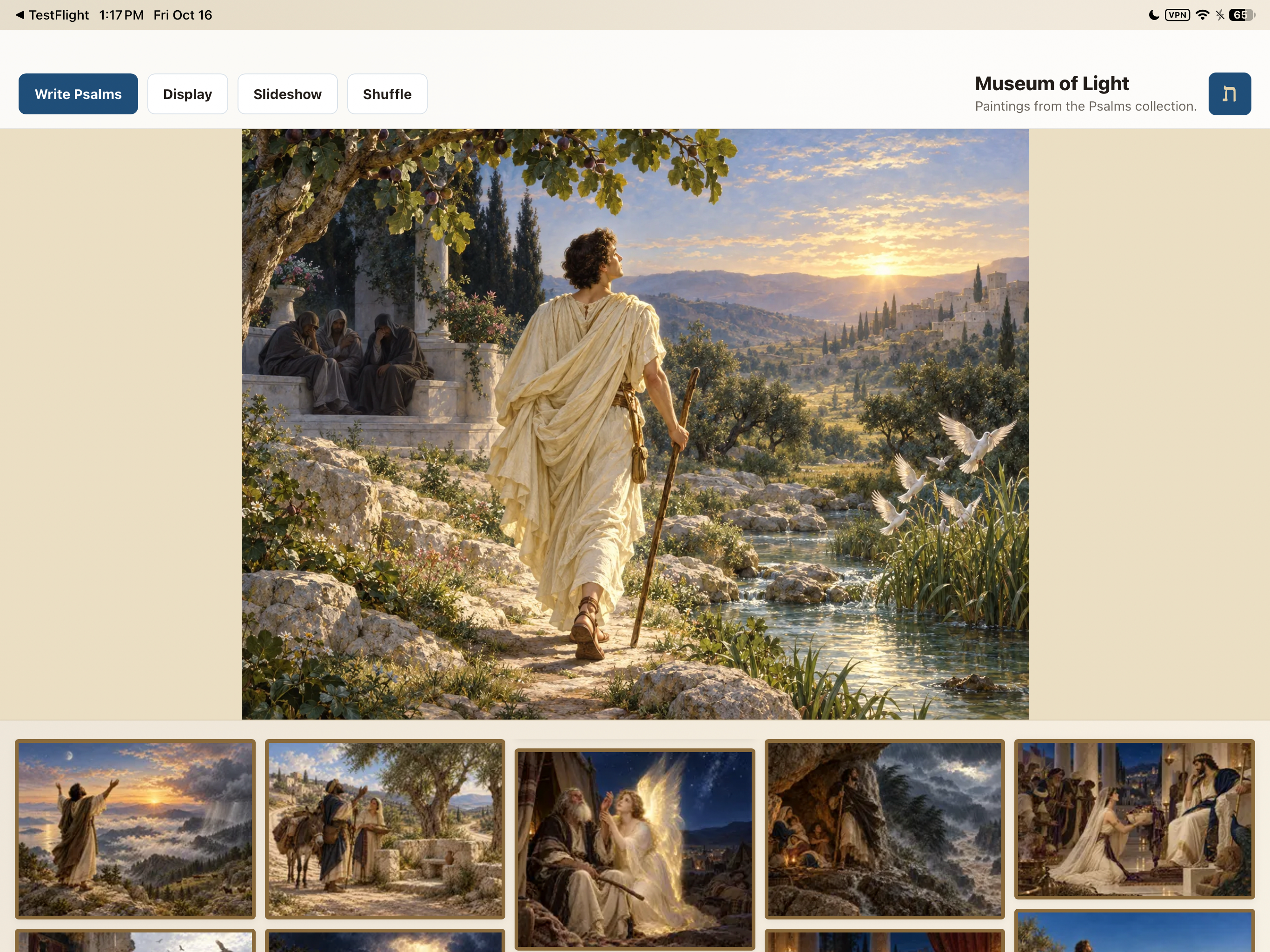
Explore the artwork in Museum of Light.
App demonstration: writing a Hebrew word, opening the stroke order and browsing the Museum of Light. Recorded on iPad.
This video could not be played here. Open Psalms to start exploring.
Using Psalms, signing in and privacy
Begin writing, then change chapter or take the psalm the app offers for today.
Write with one finger; use two fingers to scroll or to move across enlarged words.
The day-by-day journey and the one-year goal show your streak.
Finished verses are collected in the Museum.
Free to use, including every passage, the journey and the Museum. Progress stays in this browser on this device; cloud sync is not available in the browser edition yet.
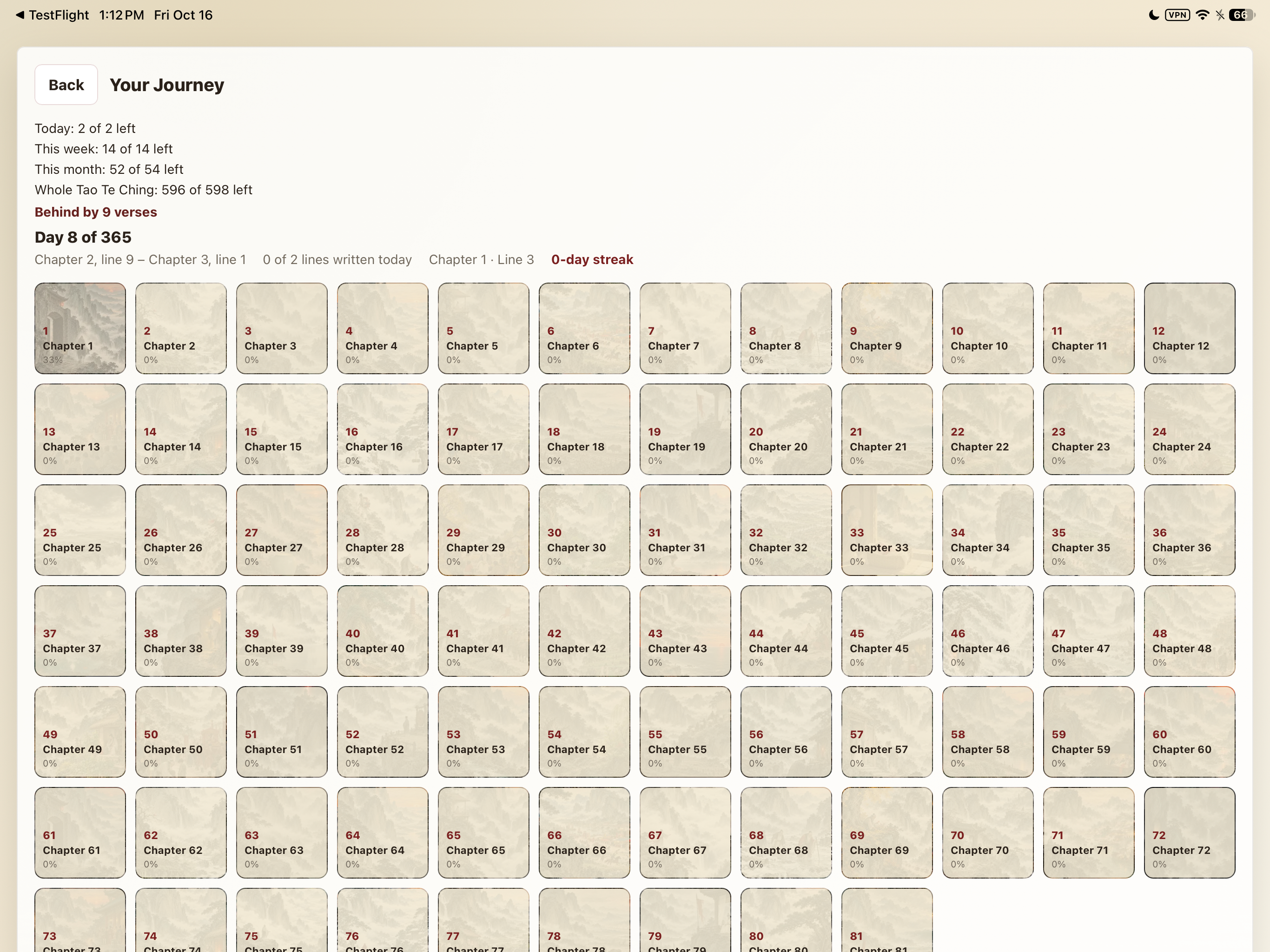
Move through the eighty-one chapters one at a time.
Learn each character's stroke order before writing it.
Explore the artwork in Museum of Light.
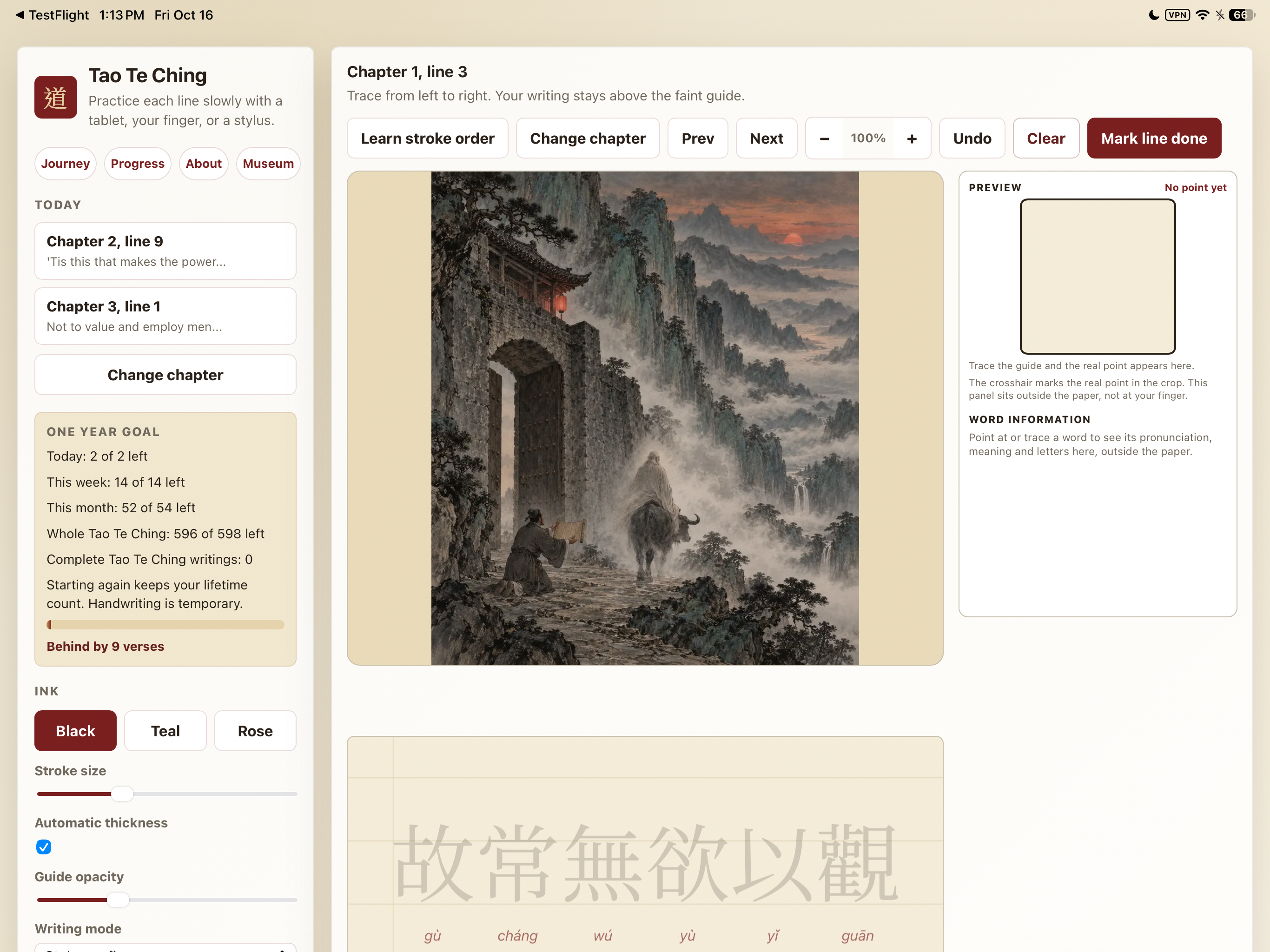
App demonstration: writing a chapter, opening the stroke order and browsing the Museum of Light. Recorded on iPad.
This video could not be played here. Open Tao Te Ching to start exploring.
Using Tao Te Ching, signing in and privacy
Begin writing, then change chapter or take the random verse.
Write with one finger; use two fingers to scroll or to move across enlarged words.
The day-by-day journey and the one-year goal keep the practice moving.
Finished chapters are collected in the Museum.
Free to use, including every passage, the journey and the Museum. Progress stays in this browser on this device; cloud sync is not available in the browser edition yet.
Learn each letter's stroke order before writing it.
Explore the artwork in Museum of Light.
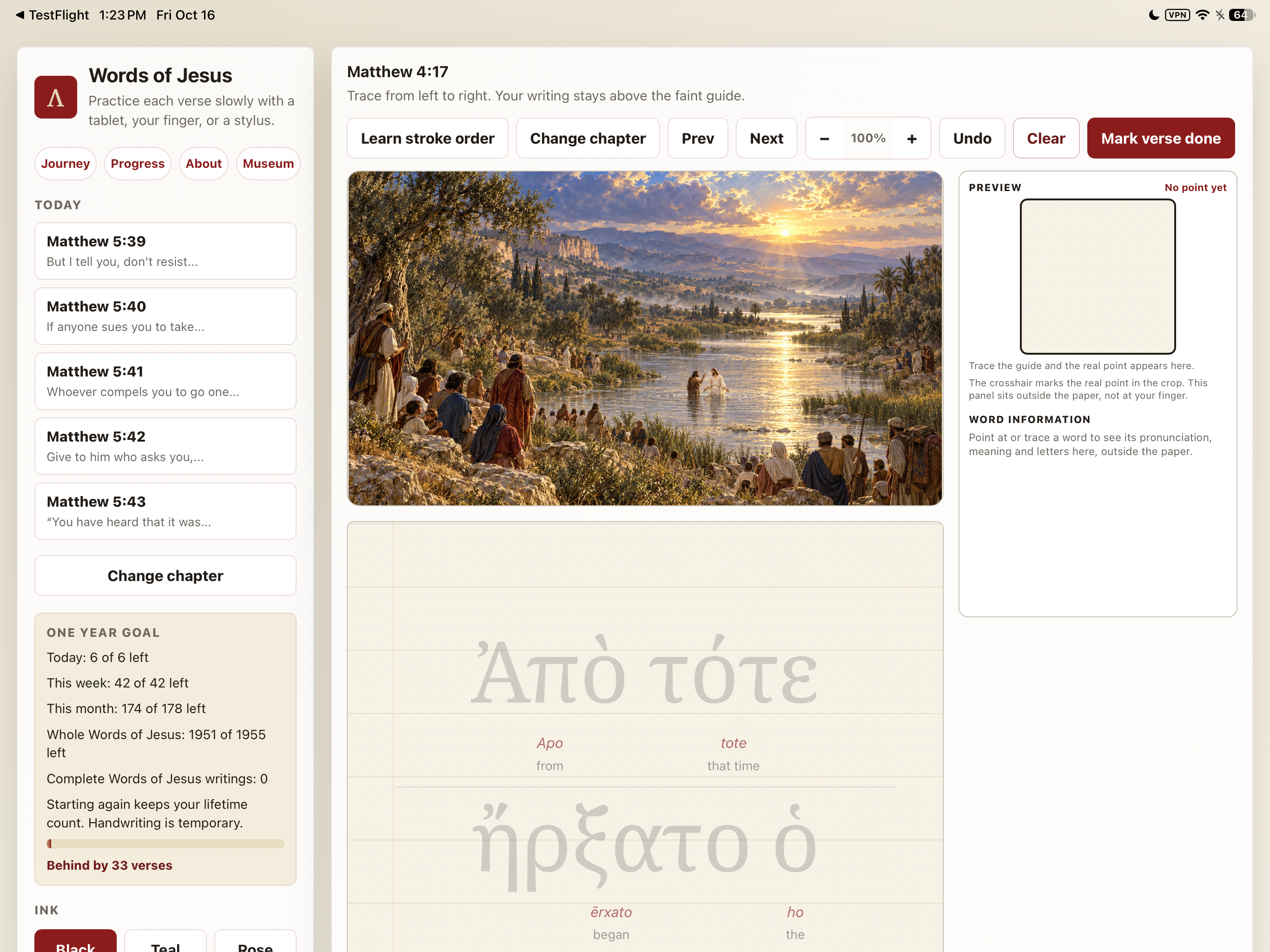
App demonstration: writing a passage, opening the stroke order and browsing the museum. Recorded on iPad.
This video could not be played here. Open Words of Jesus to start exploring.
Using Words of Jesus, signing in and privacy
Begin writing, then change chapter or take the random verse.
Write with one finger; use two fingers to scroll or to move across enlarged words.
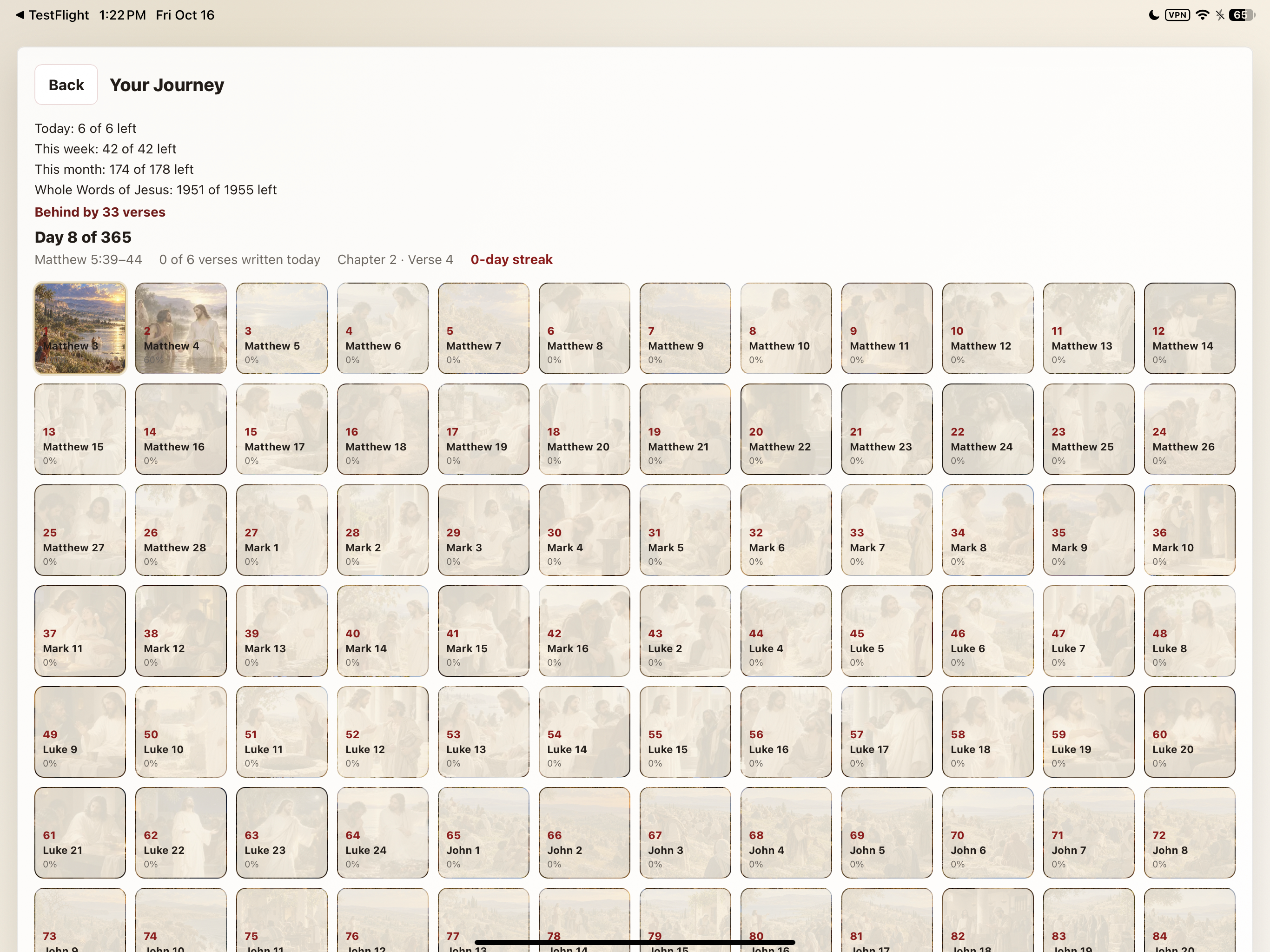
The day-by-day journey and the one-year goal show how far you have come.
Finished verses are collected in the Museum.
Free to use, including every passage, the journey and the Museum. Progress stays in this browser on this device; cloud sync is not available in the browser edition yet.